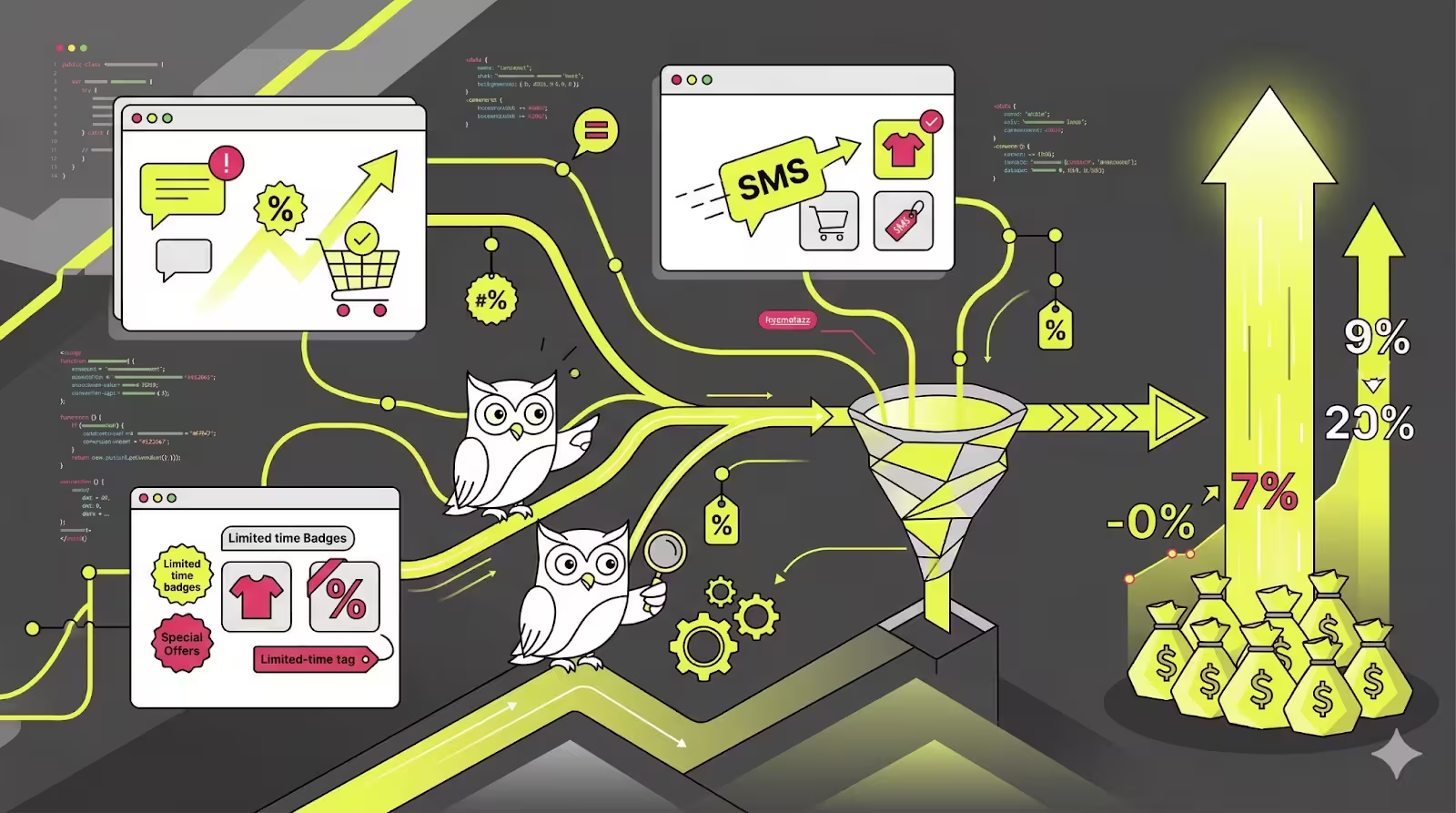
SMS has the open rates most email marketers dream about — consistently above 90% within the first few minutes. But open rates are not a business outcome. Sales are. And the gap between a text that gets read and a text that gets acted on is where most Shopify stores leave money on the table.
The typical advice — personalise your messages, send at the right time, include a clear CTA — is not wrong. It just is not specific enough. Generic tactics produce generic results. The strategies that actually move the needle for Shopify stores are mapped to specific scenarios: the type of product you sell, where a customer is in their journey, and which channels you are already running alongside SMS.
That is the frame for this guide. Each of the seven strategies below is grounded in a Shopify-specific use case, with example messages you can adapt today. If you are still building out your SMS marketing foundation on Shopify, start there first — then come back to optimise with these.
1. Use Push Notifications to Warm Up Your SMS Audience
SMS is your highest-attention channel, but that also makes it the most expensive to overuse. Subscribers who feel over-messaged opt out — and unlike email unsubscribes, SMS opt-outs are permanent. The smartest Shopify stores protect their SMS list by using push notifications as a first-touch channel, reserving SMS for shoppers who did not respond.
The mechanics are straightforward: when a cart is abandoned or a back-in-stock event fires, send a push notification first. If there is no click within 30 to 60 minutes, escalate to SMS. This sequence does two things — it recovers some customers at zero SMS cost, and it ensures the SMS you do send lands with subscribers who are genuinely harder to reach, justifying the higher engagement bar.
PushOwl's cross-channel automation builder is designed for exactly this workflow. You can set up the push-then-SMS escalation once and let it run across your entire abandoned cart recovery sequence without manual intervention. The result: lower SMS send volume, lower costs, and a more engaged subscriber base.
Store scenario: Works especially well for limited-edition product drops, restocks of high-demand SKUs, and flash sales where urgency is real and the window to act is short.
2. Segment by Purchase Behaviour, Not Just List Size
Most Shopify merchants segment their SMS list the same way they segment email: by list size, acquisition source, or broad product interest. This approach produces average results because it treats very different buyer behaviours as equivalent.
A customer who bought twice in the last 60 days behaves differently from someone who bought once six months ago. A shopper who only buys when a discount code is involved will have a different conversion response to a message without one. Segmenting by purchase behaviour — recency, frequency, average order value, and product category — lets you match your message to what each cohort actually responds to.
Practical segments to build for your Shopify store:
- High-frequency buyers (2+ orders in 90 days): reward with early access or loyalty perks, not discounts
- One-time buyers (120+ days since first order): re-engagement SMS with a reason to return
- Low-AOV cart abandoners: add a small incentive to push them over the line
- Category-specific buyers: send product recommendations anchored to what they have already bought
- Win-back candidates (180+ days inactive): honest, low-pressure re-engagement before sunsetting
Store scenario: High-impact for stores with 3+ SKU categories and any purchase history longer than six months. Even basic RFM segmentation (recency, frequency, monetary) lifts SMS conversion rates meaningfully over broadcast-only approaches.
3. Build Urgency That Is Actually True
Artificial urgency is one of the most overused tactics in SMS marketing — and one of the most damaging to long-term conversion rates. When shoppers see "LAST CHANCE" three times a month, they learn to ignore it. When urgency is real and verifiable — a genuine deadline, a limited stock count, a price returning to normal — conversion rates are significantly higher and opt-out rates stay low.
Shopify gives you the data to make urgency authentic. Inventory levels, sale end dates, and event-driven triggers (product drop launch times, limited-edition availability windows) are all available natively. The goal is to anchor your urgency to something the shopper can verify — a countdown they can see on the product page, a stock level that updates in real time, a price that visibly changes at midnight.
- Use real countdown timers on landing pages linked from your SMS
- Reference specific inventory: "Only 12 left" beats "Limited stock remaining"
- Tie sales end times to the hour, not just the day: "Ends tonight at 11:59 PM"
- Follow up once after a soft deadline — not three times
Store scenario: Most effective for stores running genuine seasonal sales, product drops with hard launch windows, or restocks of perennially sold-out items. The authenticity of the urgency is what converts — not the intensity of the language.
4. Optimise Your Abandoned Cart SMS Sequence
Abandoned cart recovery is the highest-ROI automation in SMS marketing for most Shopify stores, but the default approach — a single text sent two hours after abandonment — leaves significant revenue uncaptured. A well-structured sequence dramatically outperforms a single message by meeting shoppers at different points in their decision-making process.
The structure that consistently outperforms single-message sequences across Shopify store sizes is a three-touch approach: a push notification at the 30-minute mark (no SMS cost, catches the impulsive converter), an SMS reminder at the two-to-four-hour mark anchored to the specific product, and a final SMS at the 24-hour mark with a small incentive if the cart is still open. The full mechanics of this sequence — including timing, copy structure, and discount strategy — are covered in the guide to abandoned cart SMS sequences for Shopify.
The most common mistakes in abandoned cart SMS sequences:
- Sending the first SMS too quickly (under 30 minutes), before the shopper has had time to genuinely abandon
- Generic copy that does not name the product left in the cart
- Offering a discount in the first message, training customers to abandon on purpose
- Not excluding customers who have already purchased from the sequence
- No clear opt-out option in every message — a compliance requirement, not just courtesy
Store scenario: Essential for any Shopify store with an average cart value above $40. Below that, the economics of SMS sending costs versus recovery value become tighter — consider a push-only sequence for low-AOV stores until cart values justify the SMS spend.
5. Build Post-Purchase SMS Flows to Drive Repeat Revenue
Acquiring a new customer costs five to seven times more than retaining an existing one. Yet most Shopify merchants treat post-purchase SMS as an afterthought — a single shipping confirmation and nothing more. The post-purchase window is the highest-trust moment in the customer relationship, and it is drastically underutilised.
A structured post-purchase SMS flow has three jobs: reinforce the purchase decision (reducing returns and chargebacks), deliver value that makes the next purchase feel natural, and time a replenishment or upsell offer for when the customer is most likely to need it.
Post-purchase SMS touchpoints that convert:
- Order confirmation with a personal touch — not just a receipt number, but a note about what to expect
- Product use tips 3–5 days after delivery — builds product success and reduces buyer's remorse
- Complementary product recommendation 7–14 days post-purchase, based on what they bought
- Replenishment reminder for consumables at the predicted run-out date
- Review request at the 14–21 day mark — social proof that fuels the top of your funnel
Store scenario: Especially powerful for consumable products (supplements, skincare, food), subscription-adjacent products, and any store with a logical product bundle or upsell path. The replenishment trigger alone can add 15–25% to LTV for consumable SKUs.
6. Get Your Opt-In Copy Right Before Anything Else
Every conversion strategy in this list depends on having a healthy, engaged SMS list — and list quality starts with opt-in copy. If your opt-in form says "Subscribe for updates" without making the SMS channel explicit, you are collecting consent that does not meet TCPA standards and building a list that will underperform because subscribers do not remember agreeing to receive texts.
Good opt-in copy is specific about the channel (text messages), the frequency (roughly how often), and the value (what they will get). It is compliant by default — which means the SMS consent requirements for Shopify brands are met before the first message is ever sent. It also sets subscriber expectations accurately, which is the single biggest driver of long-term SMS list health and low opt-out rates.
Opt-in copy principles that improve both compliance and conversion:
- Name the channel explicitly: "Get texts from us" not "Sign up for updates"
- State the value: "Be first to know about drops, restocks, and exclusive offers"
- Set frequency expectations: "We text 2–4 times a month"
- Include the compliance footer: "Message & data rates may apply. Reply STOP to unsubscribe"
- Test checkout opt-in placement — the moment of purchase is the highest-intent opt-in window
Store scenario: Universal — every store running SMS should audit their opt-in copy before scaling send volume. A compliant, high-quality list of 2,000 subscribers will consistently outperform a non-compliant list of 10,000.
7. Use the Shopify SMS API to Trigger Contextual Messages
Most SMS campaigns are time-based: send this message to this segment at this time. The highest-converting SMS programs add a second layer — event-based triggers pulled directly from Shopify data. Instead of broadcasting to a segment at a scheduled time, you send a message to one person at the exact moment something relevant happens in their relationship with your store.
The Shopify SMS API makes this possible by surfacing real-time store events — cart additions, wishlist saves, purchase milestones, subscription renewals, and more — that can trigger personalised messages. Understanding what the SMS API does for your Shopify store is the foundation for building this kind of contextual programme. The key is matching the trigger to a message that would only make sense for that specific customer at that specific moment.
High-value event triggers for Shopify stores:
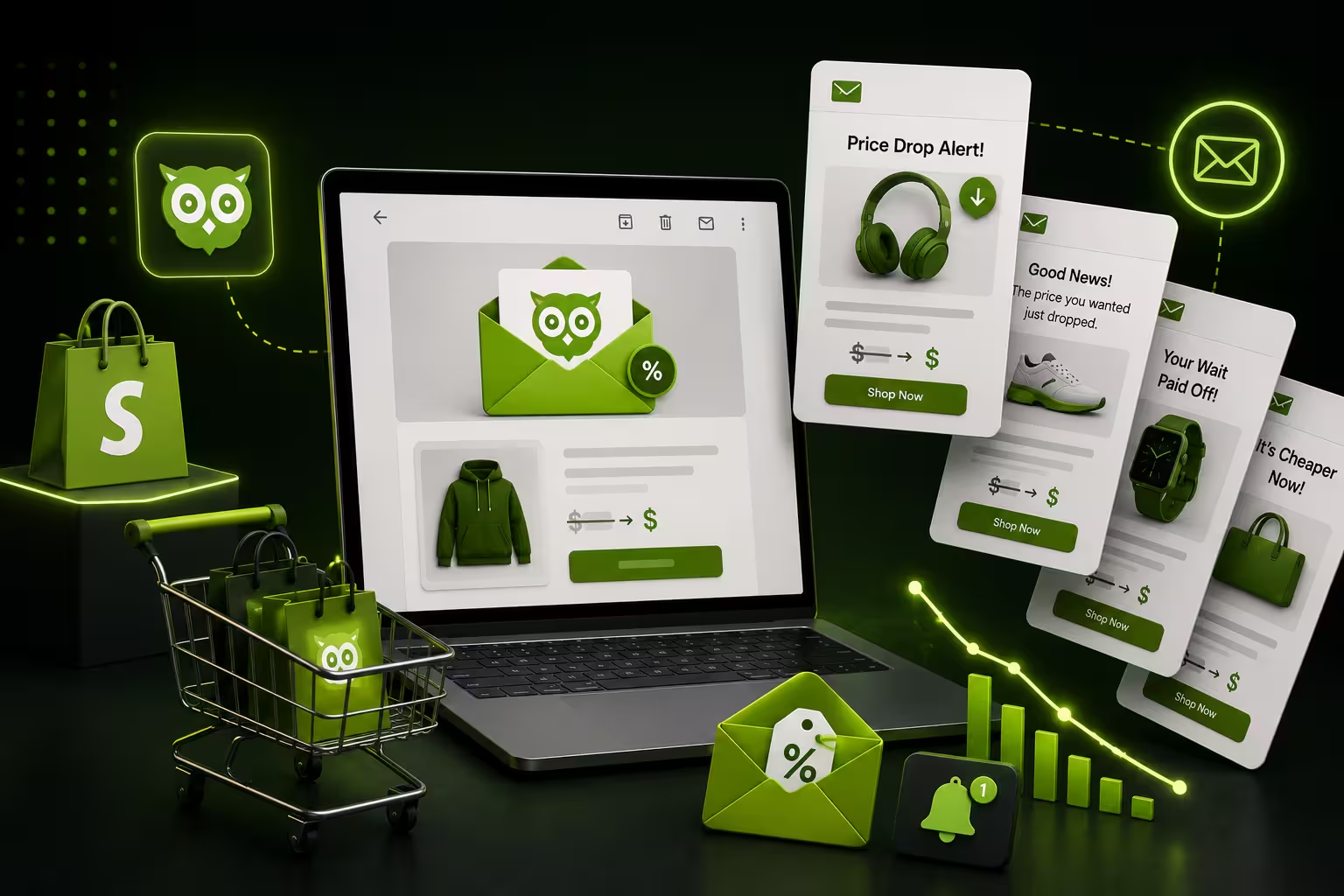
- Price drop on a previously viewed product
- Back in stock on a product the customer enquired about
- Loyalty points milestone ("You're 50 points away from a reward")
- Subscription renewal reminder 7 days before charge
- Post-purchase product pairing based on what was just bought
Store scenario: Scales with any Shopify store that has meaningful browsing data and repeat purchase potential. Even a single well-timed price-drop trigger can recover customers who were interested but price-sensitive, without blanket discounting your entire catalogue.
Putting It Together: A Conversion-First SMS Strategy for Shopify
The seven strategies above are not independent tactics to deploy in isolation. The stores that see the biggest lift from SMS treat these as a connected system:
- Fix your opt-in copy first — list quality determines the ceiling for everything else
- Add push-then-SMS sequencing to your existing automations before building new ones
- Segment your list by purchase behaviour before your next broadcast
- Audit your abandoned cart sequence against the three-touch framework
- Build one post-purchase flow for your top-selling SKU before scaling to the full catalogue
- Identify two or three event triggers from Shopify data that would send genuinely contextual messages
- Review every urgency claim in your current templates — remove any that you cannot verify
The through-line in all of this is specificity. Generic SMS programmes produce generic results. Shopify-native programmes — tied to real store events, real inventory states, and real purchase history — convert because the message feels relevant in a way that broadcast texts simply cannot replicate. Every SMS you send should be answering the question: why is this message arriving for this person at this moment? If you cannot answer that, the message is not ready to send.
Ready to build a push + SMS conversion engine on Shopify? See how PushOwl orchestrates both channels from a single automation builder — and get your first cross-channel flow live today.