The moment a store wants tighter control over layout logic, richer product information, better discovery, or more intentional post-purchase experiences, native theme settings suddenly seem insufficient.
That is where Shopify design apps come in as useful extensions.
In 2026, store design is less about aesthetics and more about removing friction at every stage of the journey.
How quickly a shopper finds the right product.
How clearly does the product page list variants?
Whether critical information is visible at the moment of hesitation.
Or if the experience stays coherent after checkout.
These are structural problems, and themes alone don’t solve them well.
Well-chosen store design apps allow teams to address these gaps without resorting to choppy custom code or one-off hacks. They help introduce reusable systems and give non-technical teams control without compromising performance.
Why Do You Need a Shopify App for Store Design?
We are not recommending a bloated stack of apps; no Shopify store owner wants that. But a well-curated collection of store design apps is important because:
Themes Are Built for Averages, Not Edge Cases
Even the best OS 2.0 themes are designed to work “well enough” for most stores. The moment you need something a little left field, theme settings hit a ceiling. Design apps exist to solve these specific gaps without forcing custom code or theme rewrites.
Good Design Is About Reducing Friction, Not Decoration
Modern store design is not just a matter of aesthetics. Apps can help improve product discovery, clarify buying decisions, surface the right information at the right time, and maintain usability on mobile. These are UX problems that may arise when you stick to bare-bones architecture.
Scalability and Maintainability Matter Long-Term
Hardcoded sections and one-off fixes don’t scale. Some Shopify design apps allow teams to build systems that non-technical teams can manage without reliance on developers.
Related reading: Shopify Email Marketing Campaigns (Examples + Best Practices)
15 Best Shopify Apps for Your Store’s Design Needs
Building a high-performing Shopify store will require a range of design apps: page building, images, typography, layout control, and much more.
Each of these app categories will address a different part of the storefront experience.
Here is a snapshot to get you started, and then you can dive into why each of these apps is popular:
1. PageFly
Purpose: Page builders that help bypass Shopify limitations and give merchants direct control over product pages, landing pages, custom layouts, and product collections.
Why we picked this store design Shopify app:
PageFly is best for stores that want deep layout control across many page types (product pages, landing pages, FAQ pages, etc.) without committing to a heavyweight system.
The app supports a wide range of page templates and content blocks that can be reused and rearranged without disrupting core theme functionality.
For teams managing nuanced page designs, this means less reliance on developers and more autonomy for merchants and marketers.
2. Shogun
Purpose: Create and test custom Shopify page layouts with built-in A/B testing and advanced design controls.
Why we picked this store design Shopify app:
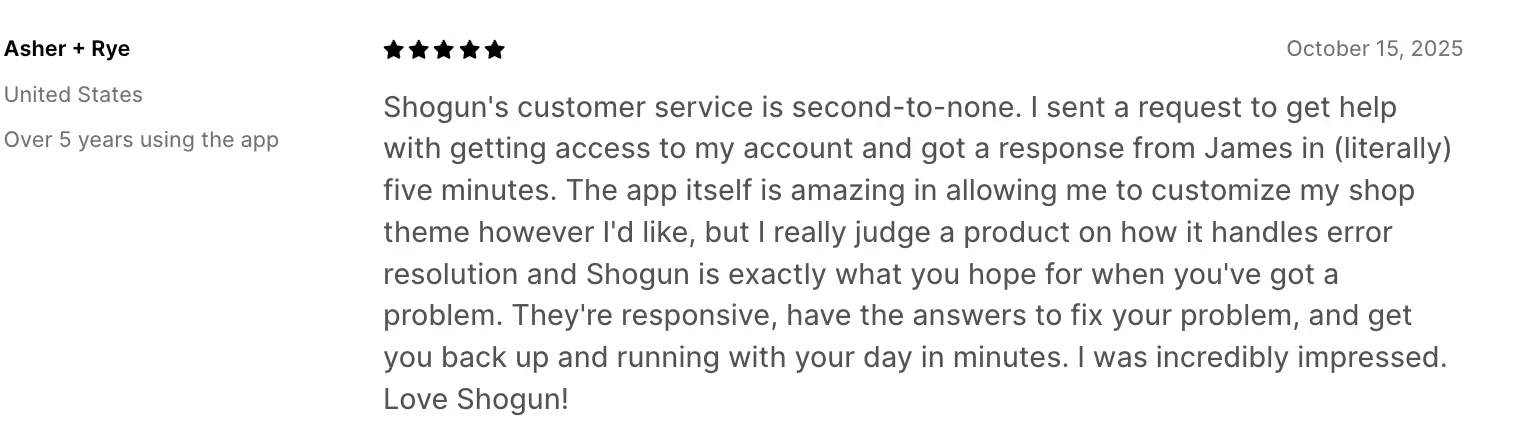
Shogun is built for experimentation-led teams that actively test layouts and page structures using A/B testing. Their support team is commendable.
Shogun stands apart from most page builders because it goes a step beyond building pages.
Its native A/B testing capabilities make it especially valuable for experimentation-led brands that want to validate layout decisions and content hierarchy using real performance data rather than intuition.
Shogun also earns points for reliability and support.
Its documentation and customer support are consistently strong, which matters when design experiments are tied to revenue-critical pages. For mature Shopify teams that treat design as an iterative, data-informed process, Shogun fits naturally into the stack.
Related reading: Email Marketing Automations for Ecommerce in 2026
3. GemPages
Purpose: Build custom Shopify pages with a strong mobile-first focus, without relying on theme code or developers.
Why we picked this store design Shopify app: GemPages stands out for its mobile-first design controls, which are key given that shoppers now swipe shopping apps on phones.

App store: 5-star review of GemPages on the Shopify website
GemPages offers control over how layouts (sections and blocks) behave on mobile, allowing teams to fine-tune spacing and hierarchy specifically for smaller screens. Functionally, GemPages allows merchants to override rigid theme sections and create more expressive layouts for landing pages.
It integrates cleanly with Shopify Online Store 2.0, which means pages remain manageable within Shopify’s native ecosystem rather than becoming siloed or fragile.
4. EComposer
Purpose: EComposer is designed for merchants who want to create visually expressive pages using animations and interactive elements without relying on custom development.
Why we picked this store design Shopify app:
Most Shopify themes prioritize structure and speed, often at the cost of overall look. EComposer fills that gap with visual transitions.

The app is useful for lifestyle, beauty, creator-led, and premium DTC brands where visual storytelling directly affects perceived value.
5. Beae
Purpose: Beae combines visual page building with an explicit focus on SEO structure and performance.
Why we picked this store design Shopify App:
One of the most common problems with page builders is that visually rich pages often underperform in search. Beae focuses on clean HTML structure and SEO-friendly layouts alongside design flexibility.
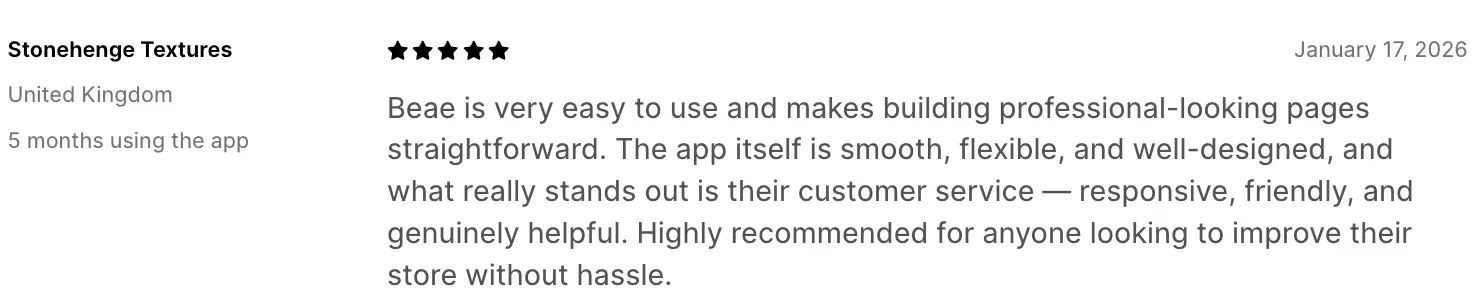
Are you a brand with educational landing pages and long-form collections? Then this app would be ideal, because SEO is important for conversions. Beae is best suited for brands that care as much about how pages are indexed as how they look.
Related reading: Shopify Customer Segmentation Guide
6. Smart Product Filter & Search
Purpose: Improve product discovery through advanced filtering and search functionality across collection pages.
Why we picked this store design Shopify app:
Design choices are not only about aesthetics; you need to prioritize usability, too. Smart Product Filter & Search directly affects how easily customers can navigate large catalogs, especially on mobile. Poor filtering leads to longer decision times regardless of how aesthetic the store looks.
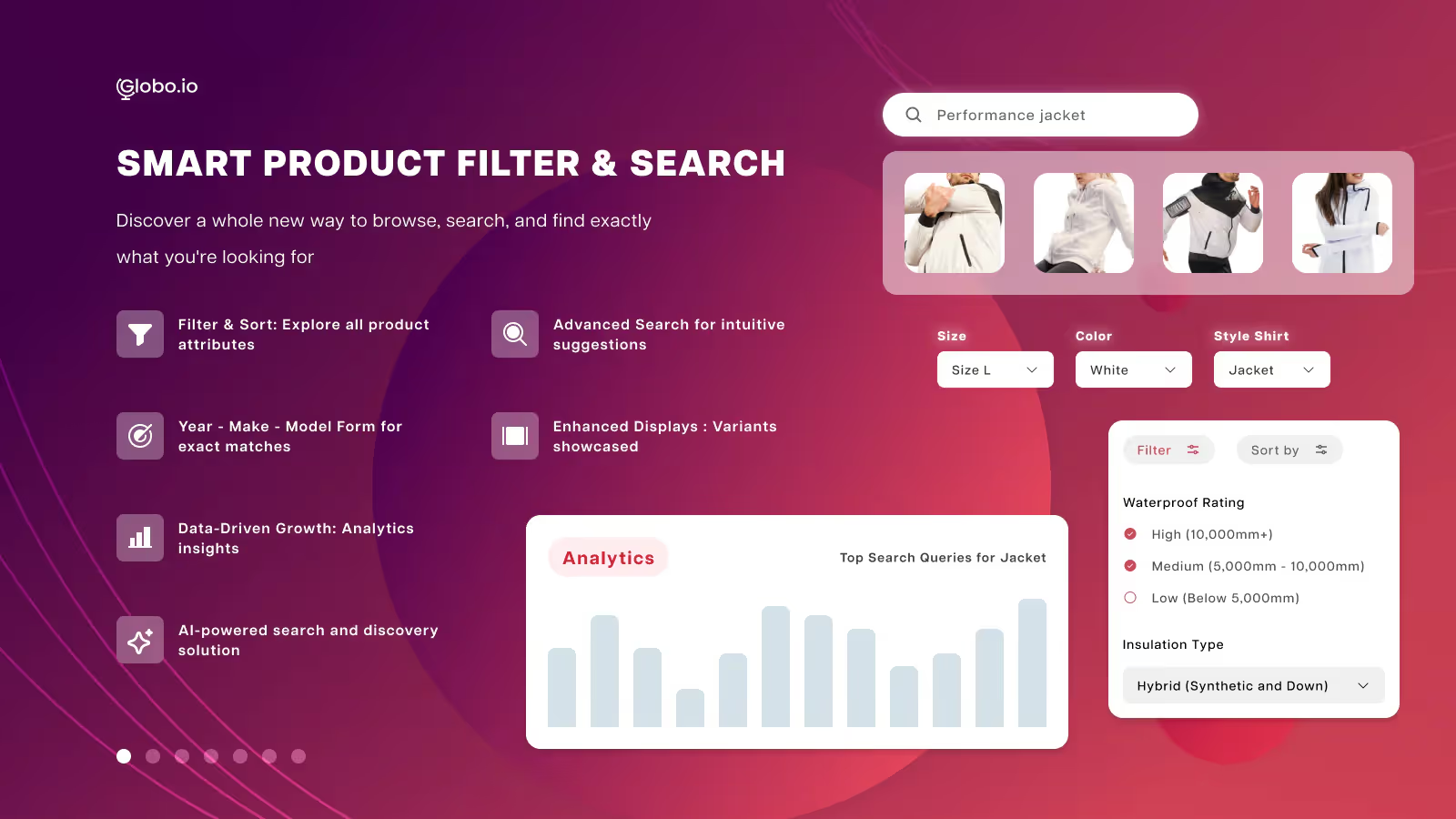
This app improves the UX by allowing shoppers to narrow their choices using relevant attributes (price, size, color, category, or custom tags).
For stores with more than a handful of SKUs, this is foundational infrastructure. It doesn’t add visual flair, but it significantly improves website navigation, which ultimately matters more and leads to a positive shopping experience.
7. Swym Wishlist Plus
Purpose: Allow shoppers to save products for later consideration
Why we picked this store design Shopify app:
Wishlist functionality is vital for browsing-heavy categories like fashion, beauty, and home decor.
The end goal here is not a purchase, but a bookmark, so it has to tick the right boxes for something to be saved for reference.

Wishlist Plus integrates cleanly into product cards and PDPs, giving customers a chance to bookmark without cluttering the interface. From a design standpoint, it supports user intent. From a retention standpoint, it creates natural re-engagement opportunities.
We picked it because it enhances the shopping experience without interfering with layout or performance.
8. Sticky Add to Cart Bar
Purpose: Keep primary purchase actions visible as users scroll through product pages.
Why we picked this store design Shopify app:
Long product pages are not ideal, but sometimes necessary, depending on what your ecommerce store sells.
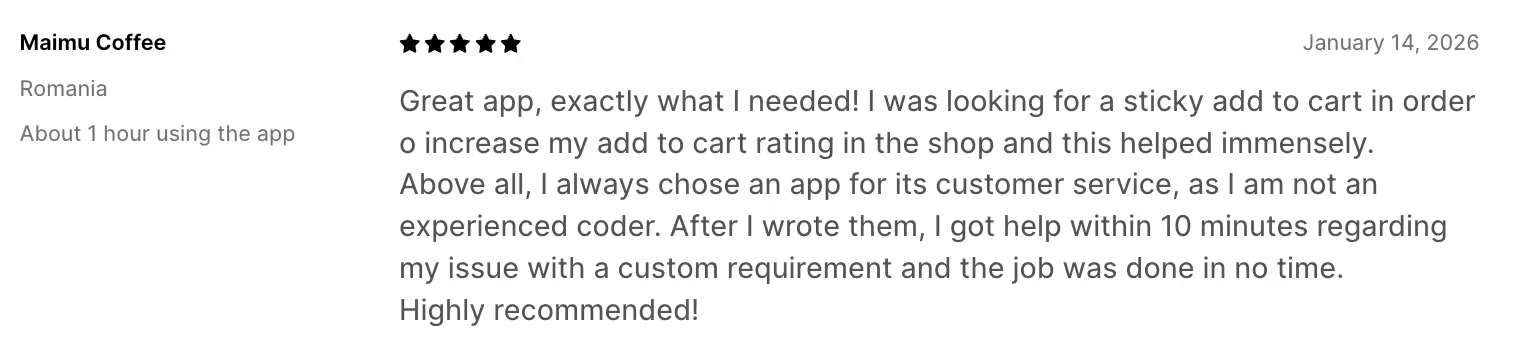
The problem is that key actions often disappear once users scroll. Sticky Add to Cart Bar solves this with a UI layer that keeps the option to add to the cart accessible without disrupting the page layout or getting lost during scrolling.
Related reading: Expert Guide to Ecommerce Marketing Strategies
9. KAVA Sections
Purpose: KAVA Sections is built to extend Shopify Online Store 2.0’s native section system by adding reusable, customizable sections that merchants can drop into pages without relying on a full page builder.
Why we picked this store design Shopify app:
KAVA works alongside Shopify’s native section-based approach. This makes it a strong fit for stores that want more layout options, such as feature grids or content blocks without the performance overhead, CSS complexity, or long-term maintenance risks of page builders.

For teams managing growing stores, this matters. Pages remain editable by non-technical staff, theme updates are less likely to break layouts, and site speed is easier to control. KAVA is especially valuable when design needs are incremental rather than an overhaul of the website hierarchy.
10. EasyFAQ
Purpose: Create structured, collapsible FAQ sections on product and content pages.
Why we picked this store design Shopify app:
FAQs are functional design elements that directly influence buying confidence. On a product page, unanswered questions create hesitation and allow for unexpressed buying objections.
EasyFAQ works because it treats information architecture as part of the design system. The accordion-style layout keeps pages visually clean while allowing shoppers to access answers without forcing them to scroll or leave the page.
With this Shopify app, questions are easy to scan, and spacing is optimized for mobile-first browsing. This matters because most hesitation-driven exits happen on mobile, where long blocks of text are especially disruptive. By surfacing key information, which could be returns, sizing, shipping, materials, etc, depending on the brand, directly within the buying context, answers are neatly contained.
EasyFAQ reduces support tickets and lowers cognitive load at the decision stage.
11. AfterShip
Purpose: Design a branded, transparent post-purchase tracking experience that keeps customers informed after checkout.
Why we picked this store design Shopify app:
Shipping anxiety is one of the biggest trust gaps in ecommerce, and generic carrier-tracking pages do little to address it.
AfterShip addresses this by giving brands control over what customers see after they place an order: tracking pages that match the brand's aesthetic and provide all the information they need during the post-purchase stage.
From a customer’s perspective, clear delivery updates, proactive notifications, and a consistent visual language reduce “Where is my order?” support tickets and prevent frustration from escalating into distrust.

What makes the app especially valuable is that it treats post-purchase as part of the store’s design system. For growing Shopify brands, this layer of polish signals reliability and transparency, which helps with repeat purchases and long-term customer retention.
Related reading: What Is Demographic Segmentation and How To Use It in E-commerce?
12. Rubik Variant Images & Swatch
Purpose: Replace variant dropdowns with clear, visual swatches that make product selection easier and more intuitive.
Why we picked this store design Shopify app:
While many Shopify themes offer basic swatch functionality, theme-native options are often limited in styling flexibility or consistency across products. Rubik improves on this by supporting image and color swatches and clearer variant grouping without requiring custom code.

From a UX perspective, visual swatches reduce cognitive load. Shoppers can see what they are selecting instead of decoding dropdown text, which is especially important for color-driven or design-led products. Rubik helps remove a key source of purchase hesitation. For stores where variants materially affect buying confidence, this is a meaningful design upgrade.
13. DECO Product Labels & Badges
Purpose: Extend Shopify OS 2.0 themes with flexible, logic-driven sections that improve layout control without breaking native workflows.
Why we picked this store design Shopify app:
Instead of introducing a parallel editing system or abstracting merchants away from the theme editor, DECO works with Online Store 2.0.

The Shopify app adds smarter, more configurable sections while staying fully native. That balance is difficult to get right, and DECO does it better than most design-focused apps in this category.
From a design perspective, DECO enables more nuanced layouts (conditional content, reusable components, and structured section logic) without forcing teams into a full page builder environment.
This is especially valuable for stores that need consistency at scale: the same section behaving predictably across products, collections, and pages. Because DECO builds on Shopify’s native architecture, theme updates are less risky, performance is easier to manage, and non-technical teams can make changes safely.
14. Crush.pics
Purpose: Compress and optimize images to improve site speed without altering design or workflows.
Why we picked this store design Shopify app:
Many Shopify stores struggle with performance because images are uploaded at full resolution and never revisited.
Over time, this messes with load speed and mobile usability, regardless of how well-designed the store looks. Crush.pics addresses this exact issue with a narrow goal: image compression. The app does not try to manage assets or change layouts. It compresses images in the background and preserves perceived quality. For design teams, this matters.

There is no risk of broken sections or distorted imagery after updates.
Related reading: 17+ Newsletter Formats That Top DTC Brands Actually Use
In an OS 2.0 environment where performance is increasingly tied to conversion and search visibility, stable image optimization is foundational infrastructure. The app plays well with modern themes and other design apps. It ensures that visual-heavy stores stay fast, responsive, and reliable.
15. Hulk Form Builder
Purpose: Create custom forms with conditional logic and advanced data handling beyond Shopify’s native capabilities.
Why we picked this store design Shopify app:
While Shopify’s native tools have improved, complex form requirements still fall outside the scope of themes and basic contact forms.
Conditional logic, multi-step flows, file uploads, and CRM-ready data capture are essential for use cases like wholesale inquiries, customization requests, lead qualification, and post-purchase workflows.

You can design forms to match the store’s visual language, ensuring they fit in with the overall page layout.
It also integrates cleanly without manual intervention.
Let the Apps Do the Work for You
The 15 apps for store design covered here solve visible problems such as structural issues and website performance, and, overall, make the storefront easier to browse.
But the same principles apply beyond the page itself. Post-purchase communication and follow-up messages are also part of the store’s design system, even if they don’t live inside the theme editor.
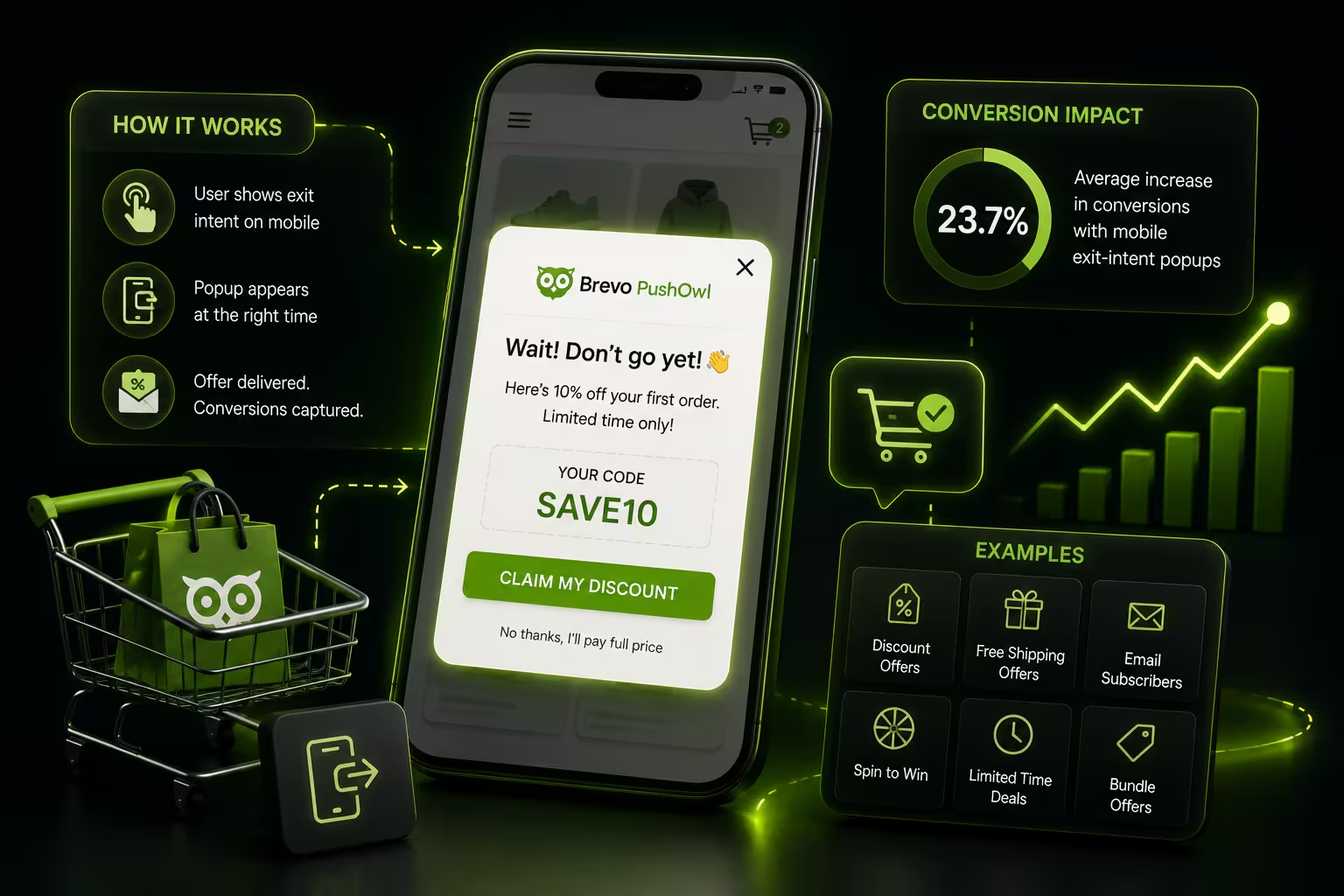
That is where tools like PushOwl fit naturally into a well-designed Shopify stack. When retention channels such as email and notifications follow the same logic as the storefront, they extend the design experience.