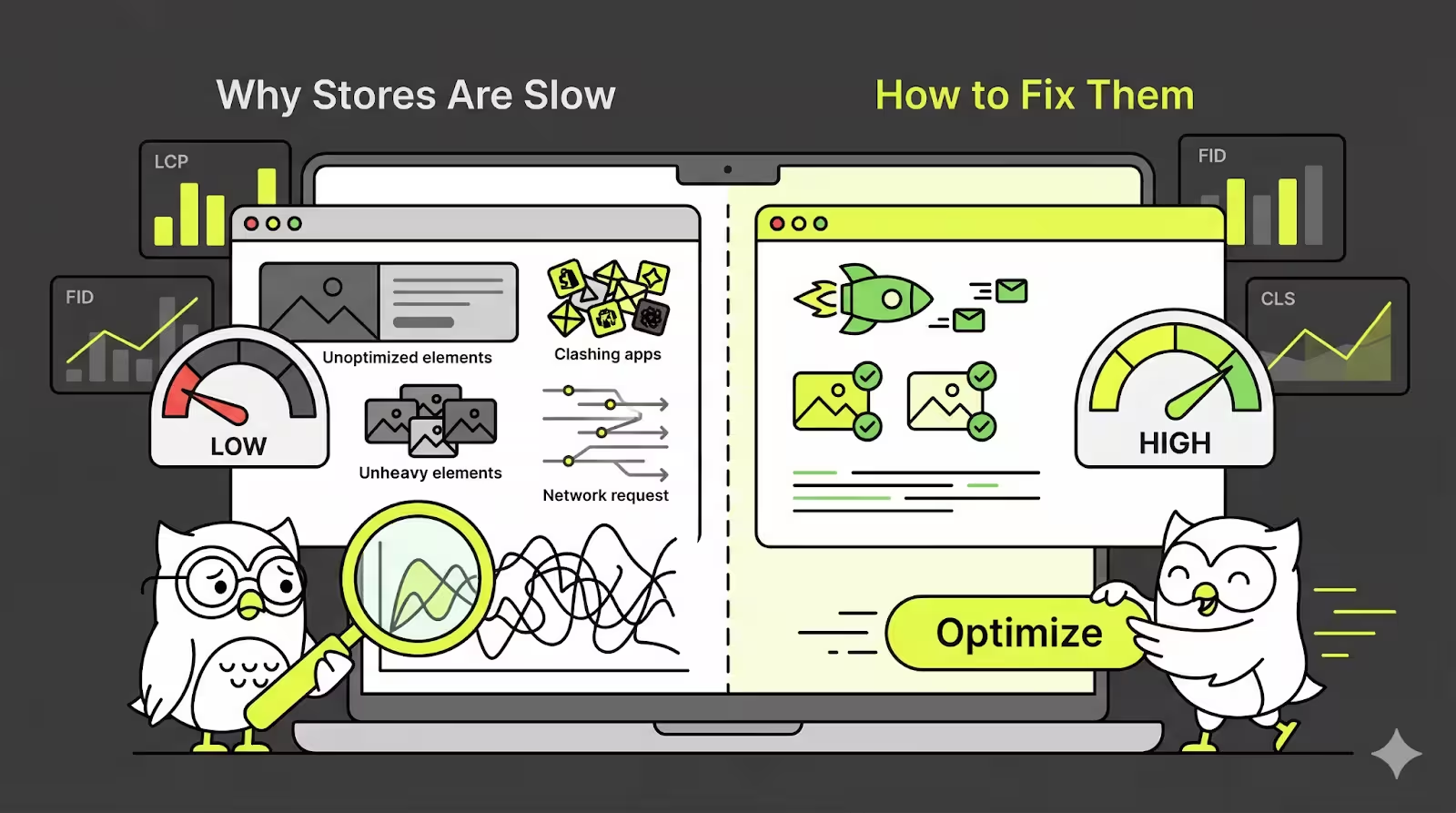
In E-commerce, website speed is king. If a store loads too slowly, people will leave. Most shoppers will not even wait for a few seconds for a page to load, especially on mobile devices. According to Speedboostr, 91% of Shopify stores end up failing Core Web Vitals benchmarks, hurting their google ranks, and leading to bounced users and lost sales.
This blog will take you through all the e-commerce website performance metrics, in easy to understand language, identify what actually slows down Shopify stores, and highlight Shopify-specific solutions that can be implemented without coding. The goal of this blog is simple: make your store load faster, rank higher, and convert more effectively.
Core Web Vitals
Largest Contentful Paint (LCP)
This is a measure of the time taken for the main element of your screen to load. Most likely, this would be the hero banner on a website’s homepage or the hero product image. Google expects this to load within 2.5 seconds. If the LCP is more than 4 seconds, approximately 40% of website visitors will leave without even seeing your website.
Example: A store's homepage opens, but the main banner image is too large, let's say 2MB, and hence it takes about 4.2 seconds to load. Until this image loads, the page will feel incomplete.
Fix: Resizing the image and make it around 1200px wide, then convert it to WebP format to cut its size in half. Now make sure that this image loads first using loading=”eager” or fetchpriority=”high”. Test the speed in PageSpeed Insights, and keep editing till you have a green score.
First Input Delay (FID)
FID is the measure of how quick the website or store reacts when a user clicks anything, be it the menu or Add to cart or any other element on the website. Google has not switched to using INP to detect this, but the concept is the same. The site should react immediately. A reaction time of under 100ms is judged as fast. Anything longer than this will feel laggy and frustrating to the user.
Common Issues: A website will have way too many apps loading simultaneously. Popups, chatbots or widgets, customer reviews, analytics, and tracking scripts are all competing for the users attention.
Fix: Non-essential scripts should load only after the page is already usable. As an example, a store review or chatbots and widgets load only post the main content already being visible and usable. This makes the user already interact with your website, and the other elements feel like add-ons enhancing user experience.
Cumulative Layout Shift (CLS)
CLS is a measure of how much the page layout moves when the website is loading. This can be seen when text jumps down as an image, banner or font loads much later than the rest of the website. A good CLS score is within 0.1. If your CLS score is above 0.25, your users will be left feeling annoyed.
Fixes: Keep image and video sizes standardized, so a browser knows the amount of space to keep reserved. This way we leave space for banners or other elements, instead of inserting them into the page once everything else loads. Use font-display: swap to make text appear immediately and not jump around when loading.
____________________________________________________________________________
Loading Metrics
First Contentful Paint (FCP)
This is the moment at which any element appears on a user's screen, which could be as little as a small text. A good FCP is under 1.8 seconds. If the FCP is slow, a user will feel like the site is not even loading, and make them either refresh or exit the site.
Shopify Tip: Important or critical elements of your site should always be preloaded.
Example: <link rel= “preload” href=”hero.webp” as=”image”>.
This small tweak to preload critical elements can help reduce the FCP by almost 30%, particularly on mobile devices.
Time to First Byte (TTFB)
This is a measure of how long it takes Shopify(or any host) to send the page, after a user has clicked on your website or store link. Anything within 600ms can be considered as ideal. Shopify is built to be very fast, so only having too many apps loading simultaneously can slow the TTFB down to be more than 1 second.
Fixes:
- If you are not actively using an app, remove it from your store.
- Themes also play an important role, so choosing a lightweight theme like Dawn is a sure shot way to have a low TTFB.
- Since Shopify is already using global servers, so having a clean store is the biggest factor affecting TTFB
Speed Index
This is the time taken for a page to feel fully loaded. Of course, the lower your Speed index the better it is for your store, with a good target being less than 3 seconds.
Some Industry benchmarks
Fashion Stores Average Speed Index: 4.2 seconds
Electronic Stores Average Speed Index: 5.1 seconds
Understanding your industry benchmarks is a good way for you to judge your own site's performance on the speed index. If you beat your competitors, you are already in a good space. The speed index can be tracked on homepage as well as product pages to see where a user could potentially feel the delay.
____________________________________________________________________________
Interaction Metrics
Time to Interactive (TTI)
This is the time taken for a page to become fully usable. All the buttons work, scrolling is without friction, and no element freezes. An ideal target for this is around 3.8 seconds.
Elements that slow TTI: Sliders which have images, large JavaScript files, and third-party apps and tools which add to TTI.
Fixes: Lazy Load, which is content that is not visible immediately, large scripts can be split, and interaction of user and site should be un interrupted, even when other elements are loading in the background.
Cumulative Layout Shift (CLS- Detailed)
This shift can also happen due to unrecognized fonts, large embedded videos, widgets for chat and other features, and third-party tools which all have a tendency to load late and cause the layout shifting. CLS measures each movement by how far the elements move, and how much the screen is actually affected due to the different loading speeds.
Pro Move: Using the CSS aspect-ratio for images videos, this makes it so that space is automatically reserved, and layout shifts do not happen.
Go to Search Console > Core Web Vitals, to see data from real users and identify what issue your site is facing and then make a plan on how to fix it.
____________________________________________________________________________
Shopify Optimization
Theme Speed
The Dawn theme by Shopify, which is free, mostly scores above a 90 on the PageSpeed. While a lot of the paid themes look great, they have large CSS files, animations and features, which are not even used, that slow the site down and reduce the PageSpeed Scores.
A simple test to run: Duplicate the theme you are using, remove any section that is unused, disable the sliders, and then test the PageSpeed again. Keep only those elements that are actually helping your store convert users, and remove any unnecessary, albeit visually appealing, elements.
Image Optimization
While Shopify automatically shows WebP format of images, manual optimization can make a very big difference to how fast any image loads.
Easy to Implement Fixes:
- Ideal product image size should be under 100Kb.
- Images should be responsive, to avoid having mobile users load desktop-sized files.
- Sliders are not as effective as they seem. It is best to avoid them. A single hero image not only loads faster but also converts better than a five-rotation slider.
App Impact
If you have more than 10 apps on your site, your store is likely slower by almost 40%. This is a huge gap, so having apps that are absolutely necessary is better for your sales than having many apps for relatively lower value additions. This makes an omnichannel app approach, like that of PushOwl much more performance friendly, instead of using multiple dedicated apps.
Auditing your website:
- Visit Apps>All, and check the usage for all your apps.
- If you do not actively use an app, remove it immediately.
- Configure your tools so that analytics, or email platforms load after the main page loads, rather than along with it.
Real Life Case: A fashion store had a large number of apps plugged-in. Post an audit they identified 12 apps that were not a must have but a good to have. So they decided to remove all 12 of these. The results spoke for themselves, as LCP improved from 4.7 seconds to 1.9 seconds and the resultant increase in conversion was 23%. This case just goes to show that e-commerce website performance metrics are not vanity metrics, and in most cases these will affect your sales and conversions much more than having an overload of Shopify Apps.
____________________________________________________________________________
Shopify Core Web Vitals Audit Checklist
This checklist is your cheatsheet, to audit and optimize your Core Web Vitals. It will take you about 45 minutes, once a month and will have a direct impact on SEO, conversions and revenue.
The Test Setup
- Test your homepage, top product pages, collections page and cart page.
- Use PageSpeed as well as Lighthouse to collect important data.
- Track the search console for actual user data.
This setup will get you all the data needed. Then do the actual audit checklist and fixes.
LCP Fixes (Target<2.5s)
INP/FID (Target<200ms)
CLS (Target<0.1)
Easy Wins
- Use Lazy Load for everything, barring the hero image
- Shopify theme Dawn 15.0+ as your site theme
- Keep a maximum of 7 apps
- Optimise for a mobile speed score of at least 80
Track your results in a spreadsheet or any similar tool, to be able to easily see the improvement in your Core Web Vitals, and its subsequent impact on your revenue.
____________________________________________________________________________
A fast loading store is not just about scores. The key is to remove any friction between the shopper coming to your website and them making a purchase. Every extra app, script, popup makes the site heavier, and most stores do not take into account just how much tools can slow things down for the end user.
This is where an omnichannel approach makes a “load” of difference. Instead of a stack of single purpose apps for functions like email captures, popups, reminders, re-engagement, and user consent, using a platform like PushOwl will enable your store to cover web push, email, and remarketing from within one app and dashboard. This reduces the number of apps you have on your site which translates to reduced JavaScript, better load times, and improved Core Web Vitals, without sacrificing any functionality.
So when your store loads faster AND your message works once a user has left your site, your store wins by having higher rankings, satisfied shoppers and better conversions.