You’ve seen them. Some of you probably closed them today on your browser.
But this is what most store owners fail to understand: pop-ups are still one of the highest ROI conversion tools available in an ecommerce brand’s journey, if used properly.
The operative phrase, of course, is when done right.
The average pop-up converts between 3% to 11% of the visitors. The best-performing ones that cross 60% aren’t the ones that have a lot of pop-ups. The gap is not luck, it’s strategic.
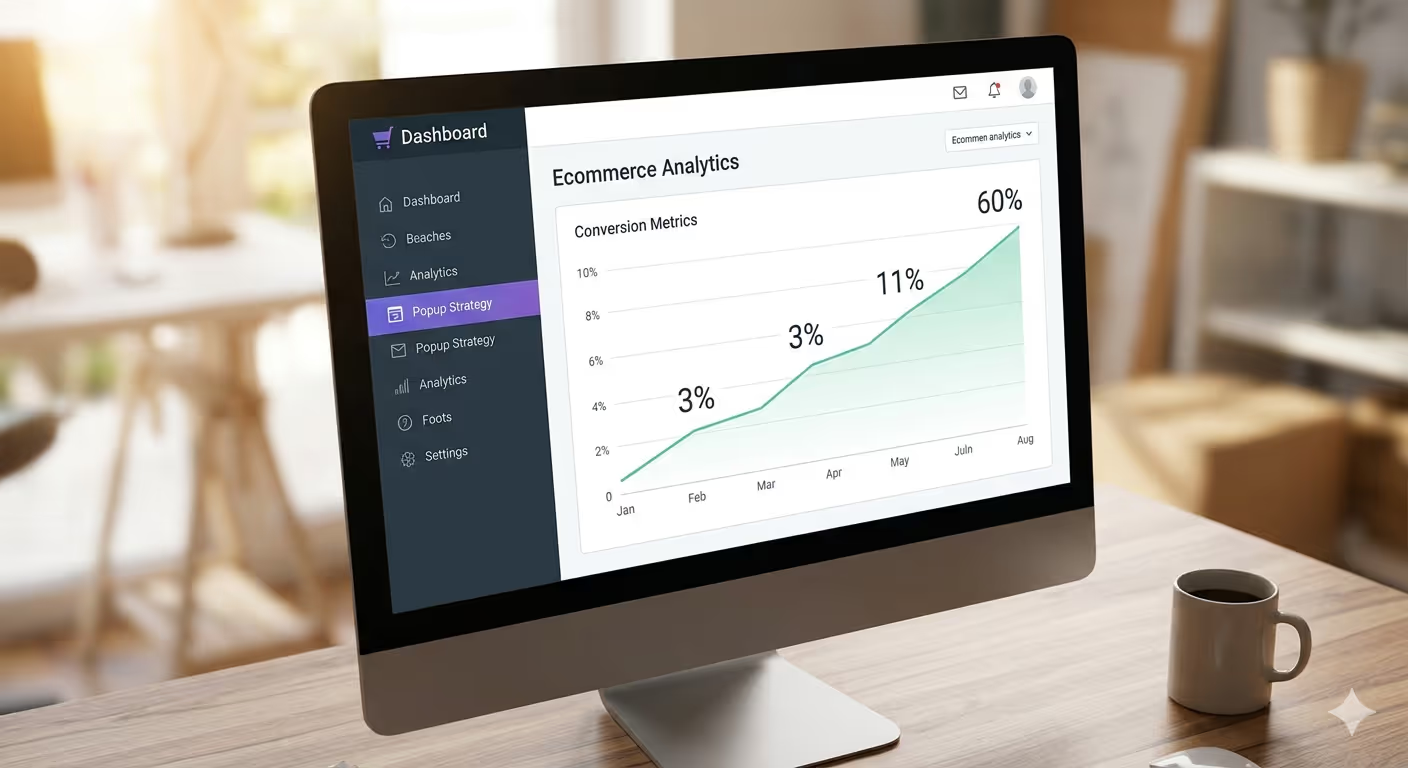
And strategy starts with understanding what kind of pop-up to use, when to fire, and what it should communicate.
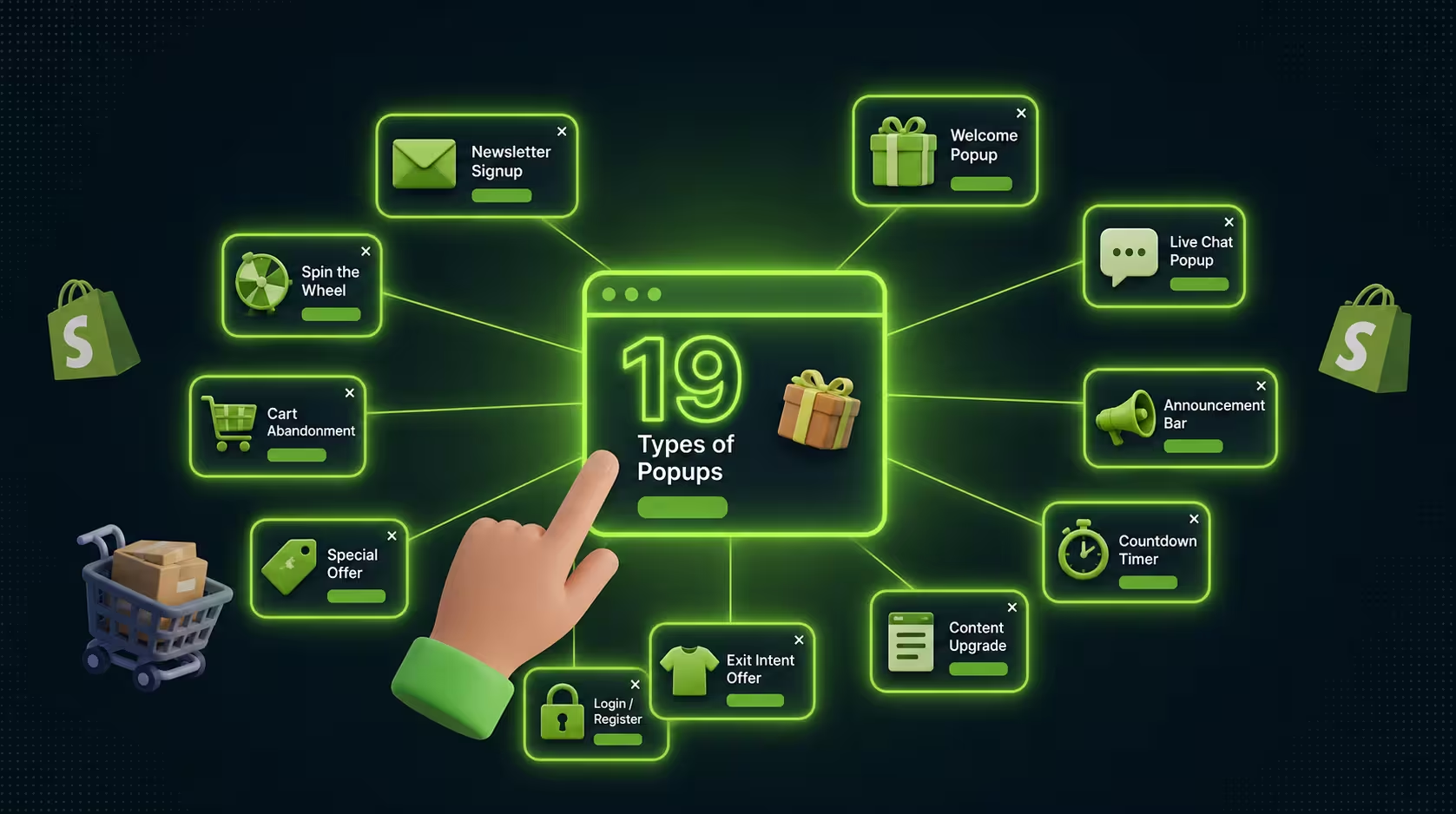
In the guide, you will find a breakdown of 19 pop-up types that real stores are using today to grow their email list, recover abandoned carts, increase average order value, and build customer loyalty.
We will discuss what suits each, when to use them, and the type of message that is suitable for each format.
For beginners setting up pop-ups for their new Shopify store or a D2C brand, hunting for hidden conversions in already existing traffic is a difficult task.
What Makes a Popup Actually Work?
To do so, before we go on the list, let’s make a baseline. A pop-up is not just a box on the screen. It is an interruption, and like any interruption, it will frustrate the customer, but if it has value, then it is worth interrupting their browsing.
Great pop-ups have some similarities. They arrive at the right time in the visitor’s journey. They provide at least some real value, a discount, a reminder, or a recommendation. When the visitor has no interest, they are easily dismissed. Pop-ups should match the brand’s visual language to the point, so that they do not feel like a foreign object disrupting the experience.
Here are the 19 pop-ups you should need to know.
1. Exit-Intent Popups
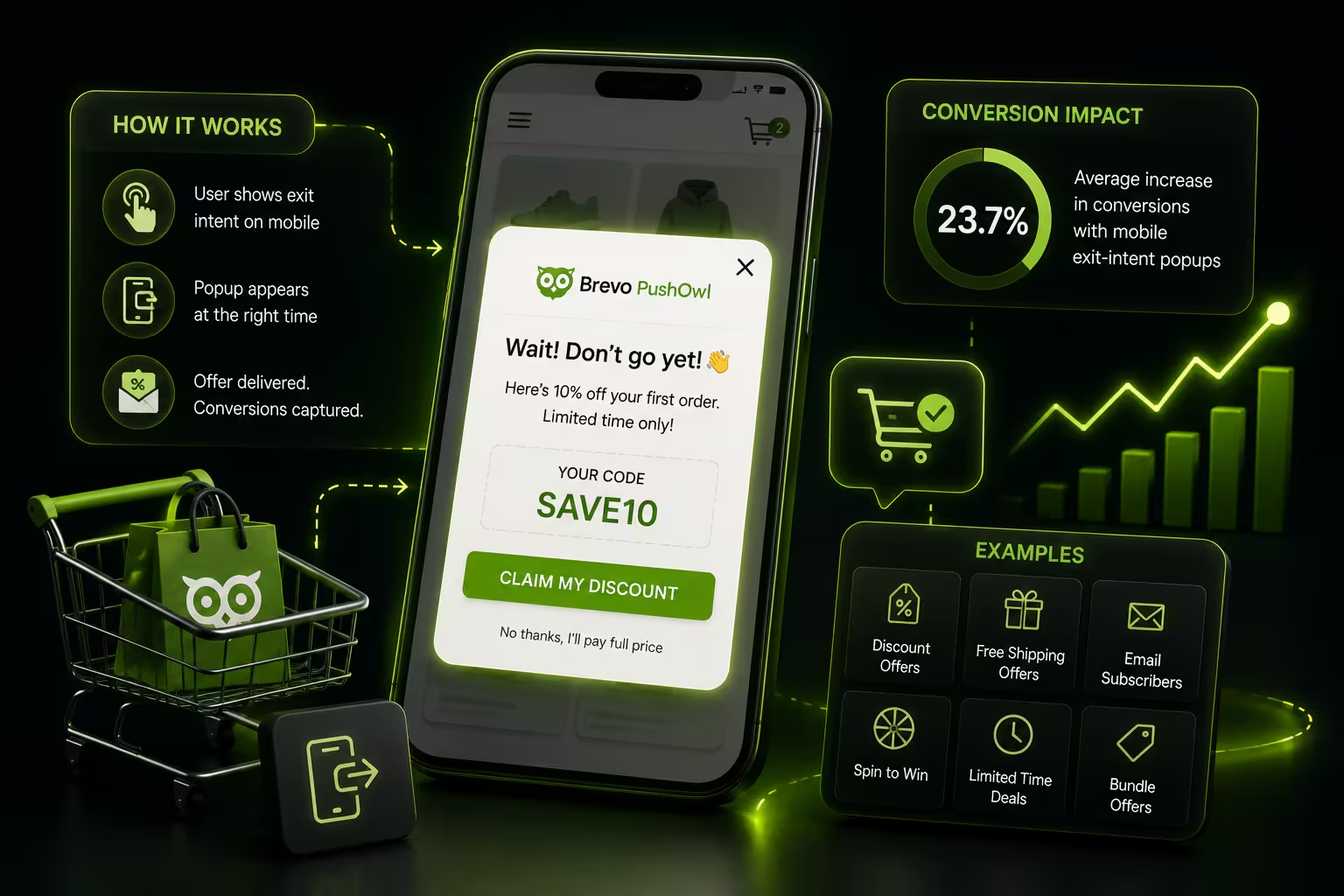
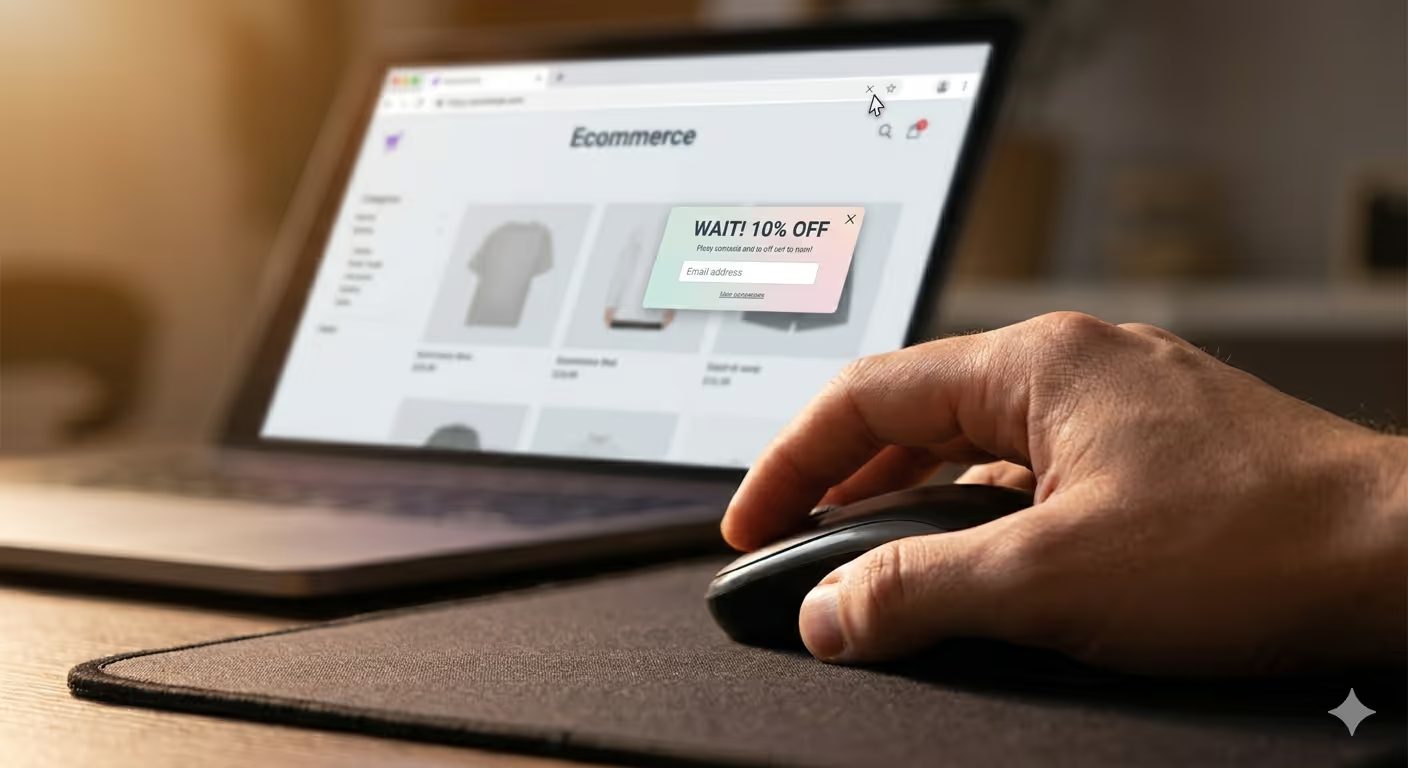
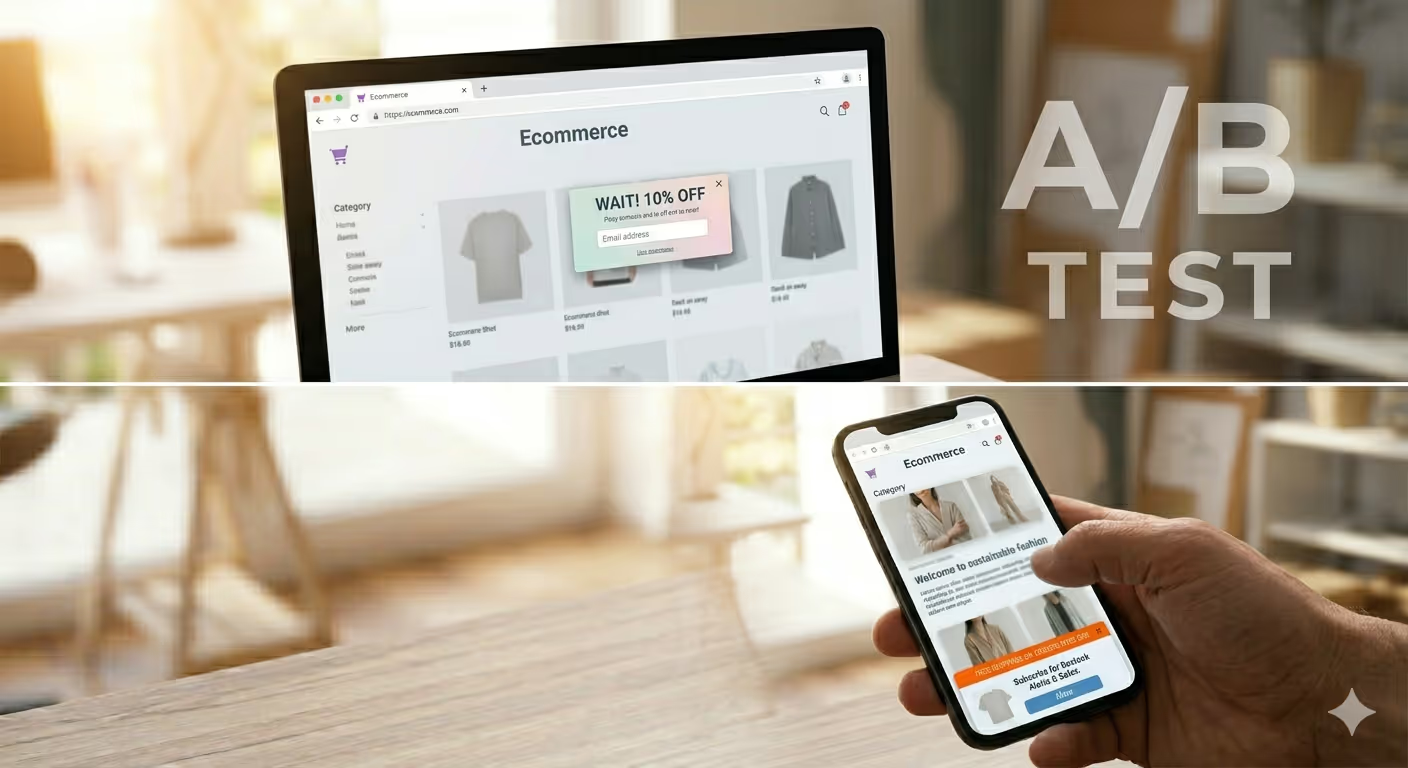
Exit-intent popups are activated when a visitor’s mouse moves towards the top of their browser, near the address bar or back button, suggesting an exit. A final opportunity to stand out before they disappear.
Why They Work
They deliver at the most crucial juncture, and keep the customer’s experience intact while still leaving the browsing. Those who are already leaving have nothing to lose, so they are always open to a compelling offer. For most e-commerce merchants, exit-intent popups can recover 10–15% of the abandoned visitors.
When to Use Them
Certain behaviours are stronger than others, which makes exit-intents an ideal choice for someone who has spent a long time on the site and showed intent but did not convert. This is a major signal on product pages that something, like price, uncertainty, or distraction, has held up a decision.
What Works Inside Them
A clear value proposition, just like “Hold on, here’s 10% off before you leave,” whereas phrases like “Still thinking?” or “We’ll hold your cart” are much preferable to the generic “Don’t leave!” every time. Combine this with one CTA and very few form fields.
2. Entry Popups (Welcome Popups)
Entry popups, also called welcome popups, show up relatively soon after a visitor lands on your site (after a 5-10 second delay or some scroll depth). They’re the first handshake with the customer.
Why They Work
When visitors first arrive, they are in discovery mode. And if what they came for is offered, they are ready to roll. One of the fastest on-site tools to grow your list is a welcome pop-up, if the timing is perfect.
When to Use Them
Utilise them for new visitors who came from ads, social, or organic search. For repeat customers who have already signed up, don’t trigger them. This is an unnecessary way to create friction.
What Works Inside Them
Significant value for subscribers. It is this connection that makes slogans like “Get 15% off your first order” or “Join 40,000 shoppers & never miss a drop” work. This works well for first-purchase discounts, free shipping thresholds, or giving early access to new releases.
3. Scroll-Triggered Popups
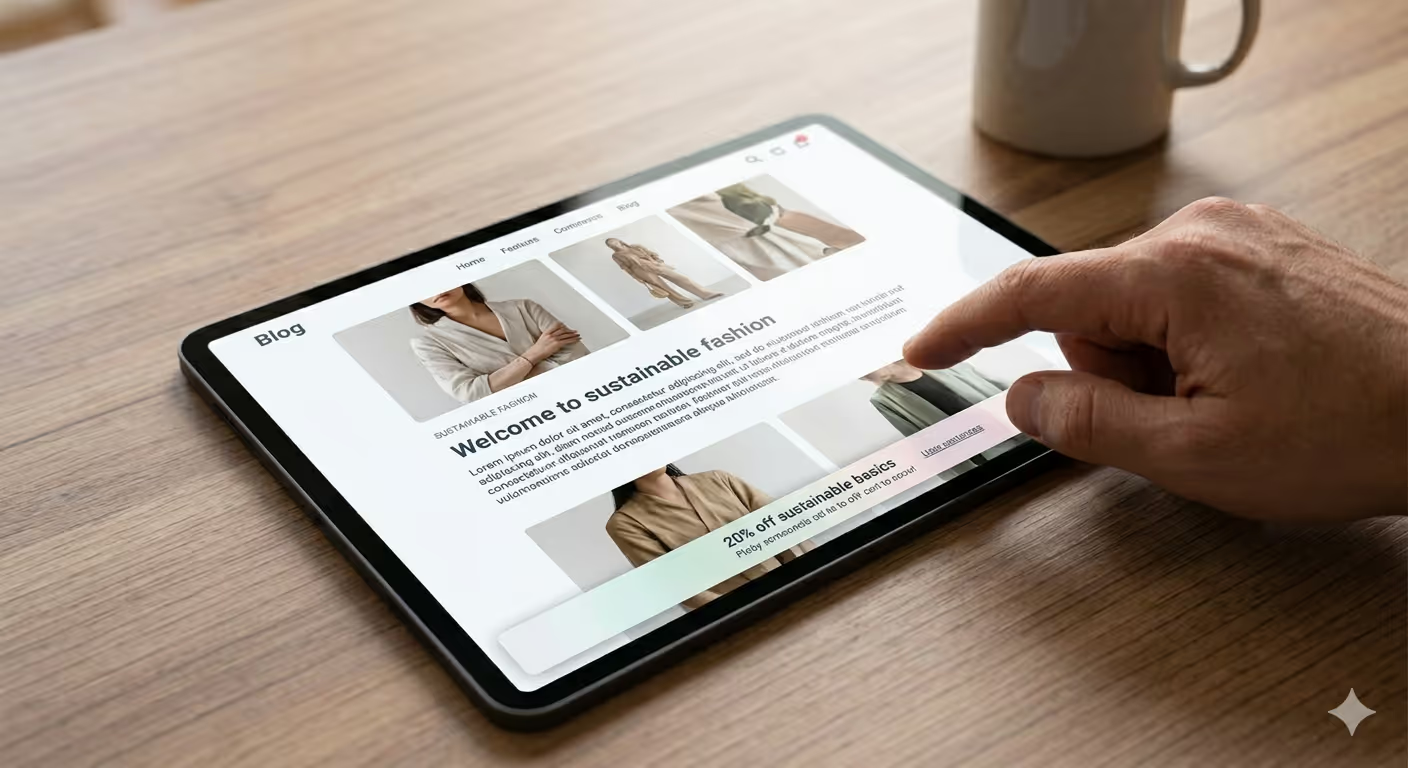
Scroll-triggered popups show up after a visitor scrolls a certain percentage down the page (40%–70% usually). This tells you they’re engaged. They didn’t just skim the top and leave.
Why They Work
Engagement is the intent here. A person who scrolls halfway down your product description is 10X more likely to convert than someone who bounces after three seconds. This type of pop-up targets people who are in an active consideration phase, not passive browsing.
When to Use Them
Employ them in long-form product pages, blog posts, and collection pages. This is particularly useful on content pages where visitors are reading to help them decide, such as a skincare guide, a sizing breakdown, or a gifting blog post.
What Works Inside Them
Context-specific offers. It would be very relevant to show a pop-up offering discounts on the skincare bundle when someone is reading your blog about skincare routines. The more the pop-up feels natural in continuation of what they are reading, the better it converts.
4. Time-Delayed Popups
Triggered after a visitor has been on your site for a certain period of time, mostly 15 to 60 seconds. They react to time rather than behavior.
Why They Work
Time on the site represents interest. If they are still reading after 30 seconds, they have no good reason to leave. That’s your window. They’re engaged but not yet committed, so a perfect nudge will convert the audience.
When to Use Them
Popups with a time delay come into play when scroll depth is tricky to measure, for example, on image-heavy pages where scrolling isn’t the most meaningful interaction. They are also effective for homepages or landing pages, as browsing is less linear.
What Works Inside Them
This type of social proof resonates very well with this format. Third-party validation for hesitant visitors: “25,000 happy customers” or “4.8 stars on 3,000 reviews.”
5. Click-Triggered Popups
Click-triggered popups are only activated when a visitor clicks a specific element, such as a button, link, or banner. No unsolicited pop. Simply a reaction to something that was done on purpose.
Why They Work
Because the visitor asked for it, it has the highest intent of any pop-up type. Anyone who clicks on a “View sizing guide” and sees a pop-up with size charts isn’t annoyed that they receive exactly what they asked for.
When to Use Them
Have them serve as additional material size guides, ingredient breakdowns, comparison charts, FAQs, or shipping calculators. They also work great for multi-step flows such as quiz-based product finders.
What Works Inside Them
Content that would mess up page layout if used inline, so it is more dense in nature. In fact, the pop-up format is perfect here, as it stores information away from the main product page without making it messy.
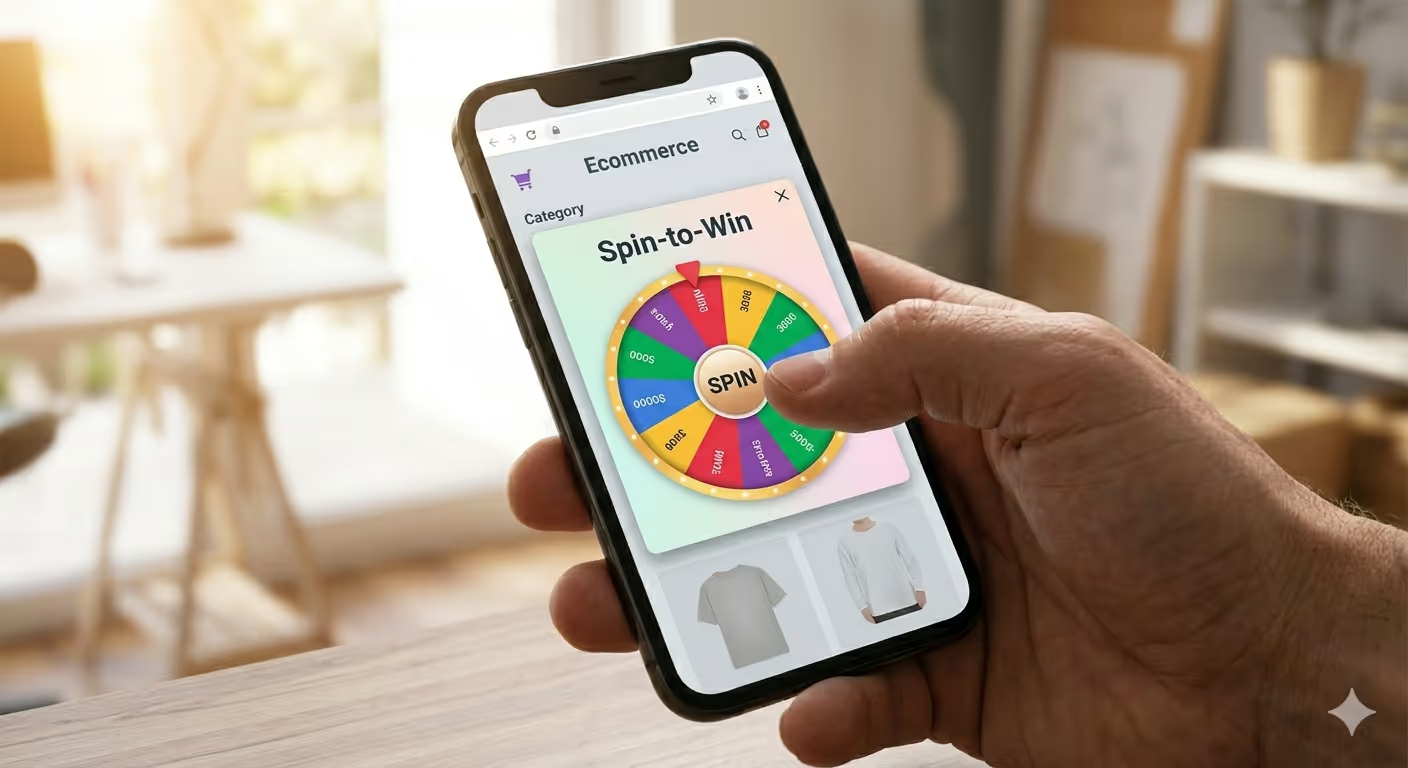
6. Gamified Spin-to-Win Popups
Spin-to-win popups offer a digital prize wheel to visitors. They spin it, and the landing area shows what the offer is, like a discount percentage, free shipping, some sort of gift, or maybe just a consolation prize.
Why They Work
Humans are connected to games. The anticipation of the spin, the random element of the payout that is a variable reward but also provides that dopamine hit where it feels like you “won” something, all this drives engagement way beyond your boring discount pop-up. For sellers, spin-to-win popups can convert at 2x–3x the rate of standard discount popups.
When to Use Them
Put them for every first-time visitor on high traffic days, sale events, holidays, or new launches. They’re great for list-building because visitors actually want to see what they’ll get. It frees up the frictionless email capture before the spin.
What Works Inside Them
Set the wheel so every outcome is a win, just with different values. There are no losers, simply those who win differently. Make the visual design match your brand, and keep the spin action one-click. Complexity kills conversion.
7. Countdown Timer Popups
Countdown timer popups showcase a ticking clock with an expiring offer. The urgency created by the timer reminds visitors to act before the window closes.
Why They Work
Psychologically, loss aversion is a phenomenon. Individuals are more motivated to prevent the loss of something than they are to obtain an equivalent value. A ticking clock converts a passive offer into an active decision point.
When to Use Them
Utilize them for flash sales, limited-time offers, and end-of-sale countdowns. They can be especially effective during seller-connected traffic events such as Black Friday, Cyber Monday, and product launch windows when urgency is already in the air.
What Works Inside Them
Real deadlines only. Trust is compromised the very moment a visitor notices fake countdown timers reset upon refresh. Have a real deadline, pair it with an irresistible offer, and then keep your CTA button copy action-oriented: “Get Your Discount Before It Expires”.
8. Cart Abandonment Popups
Cart abandonment popups are designed to display after a visitor adds items to their cart but then demonstrates exit intent before making the purchase. They are the last effort of a sellers to close the sale.
Why They Work
According to the studies, the shopping cart abandonment rate with customers is 70.19%. There is no new traffic needed for an important revenue shift; a pop-up that catches even 10% of those before they exit will improve your revenue.
When to Use Them
They must fire only on the cart page or during checkout when exit intent is detected. Context is very important here; the visitor has already shown high purchase intent, as they have added to the cart but not checked out.
What Works Inside Them
Acknowledge what they left behind. The interaction combines FOMO “You’ve got [product name] in your cart” with a small sweetener “Here’s free shipping to finish your order” or an objection removal gesture. “Still deciding?” outperforms classic urgency messaging like “hurry up, [product name] won’t last” and storewide messages like “See what other customers said”.
9. Email Capture Popups
Email pop-ups are one of the best pop-up types that are used simply to grow your mailing list. They provide you with something in return, such as an email address, a discount, the ability to download content, early access, or exclusive membership.
Why They Work
Email is still one of the highest ROI channels in ecommerce. According to various studies, $40+ returned for every dollar spent on email. Every subscriber you capture is a future customer that you can reach without paying to put an ad in front of them.
When to Use Them
Use these at upper-funnel moments of intent, first-time visitors, post-purchase, and after they engage with your highest-value content. Target your triggers, for new visitors, get a first-order incentive, while for returning non-buyers, perhaps a loyalty program invitation.
What Works Inside Them
The incentive is the ask, and it needs to scale accordingly. In a competitive category, requesting an email in return for a 5% discount isn’t going to get anyone’s attention. Low-value offers like 15% off, free shipping on first order, or access to exclusive drops are outperformed as they have better value propositions.
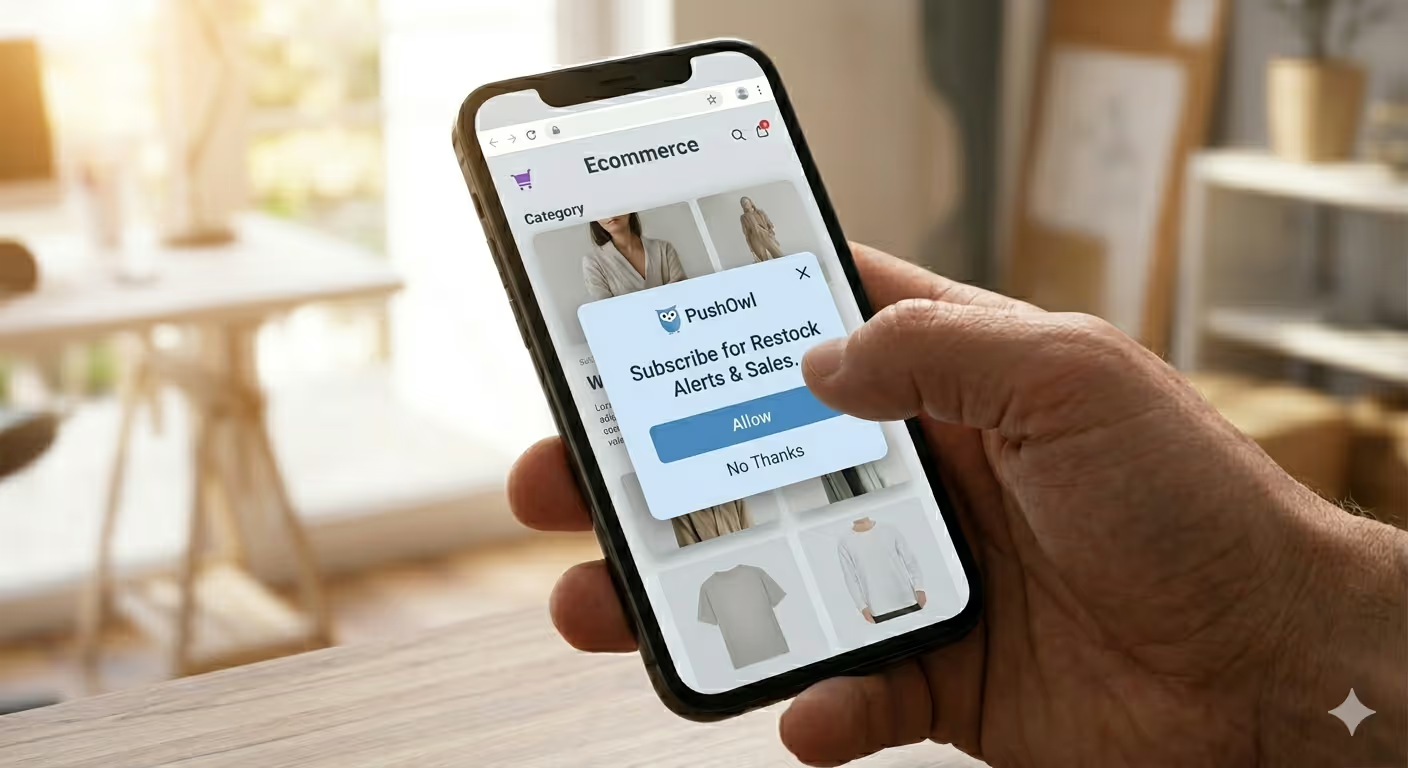
10. Push Notification Opt-In Popups
With push notification opt-in popups, you encourage visitors to subscribe to desktop-browser or mobile browser-based push notifications. With just one click, no email necessary, you can reach them directly on their device whenever you have something interesting to say.
Why They Work
Push notifications boost higher open rates than email, averaging 20–30% compared to an average email open rate of 18–25%, and they also reach your subscribers immediately. The opt-in pop-up is the channel’s doorway, and as it only requires one click, conversion friction is almost negligible.
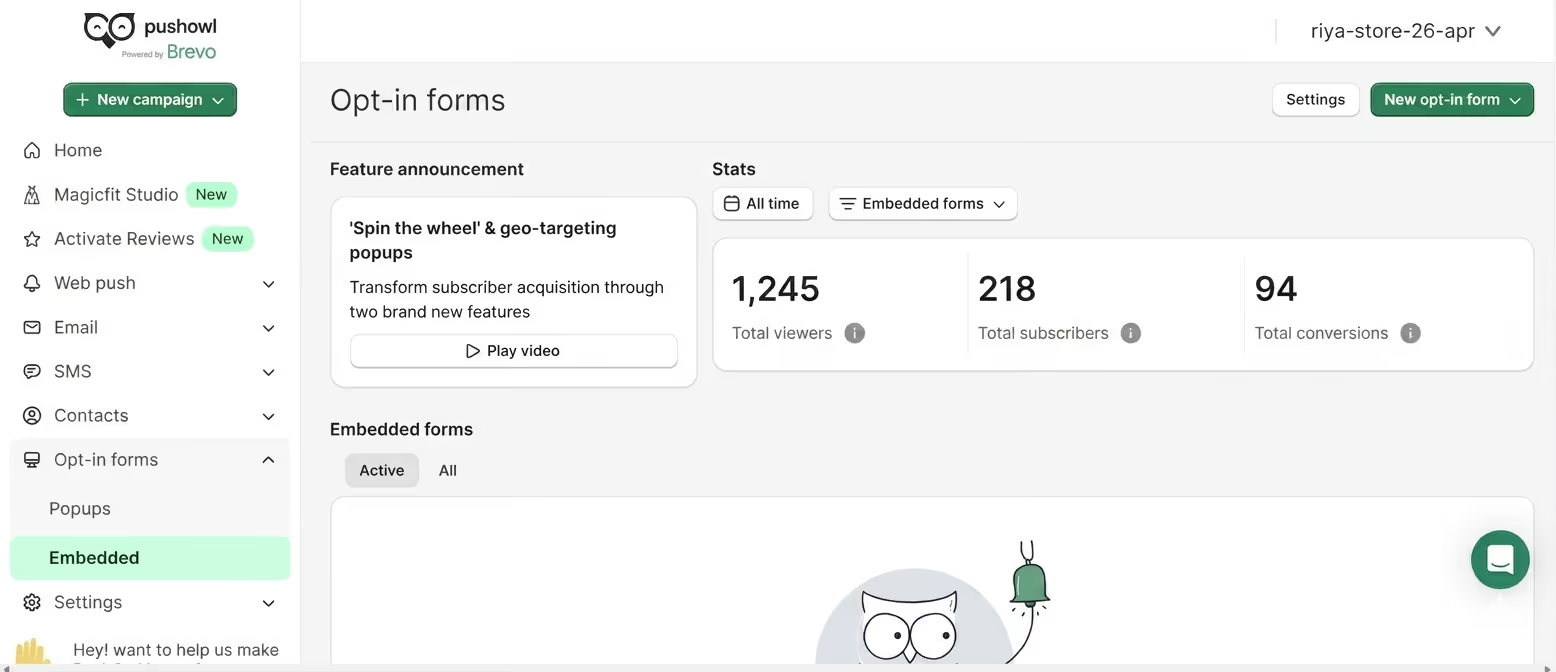
This is where PushOwl shines. For push notifications in particular, PushOwl has dedicated opt-in popups just for Shopify, enabling you to create branded and customized opt-ins that feel less like a generic browser alert and more like it belongs on your store. You control the when, the how, and the what, and then you ask for permission at precisely that moment.
When to Use Them
Display push opt-in prompts on a visitor’s intent, after product views, or browsing time. Showing on arrival, before trust is built, leads to instant rejection.
What Works Inside Them
Let people know what they actually sign up for. For instance, “Subscribe for restock alerts and flash sale notifications” has better conversion than a generic “Allow notifications” prompt. A click is driven by trust, and specificity builds that trust.
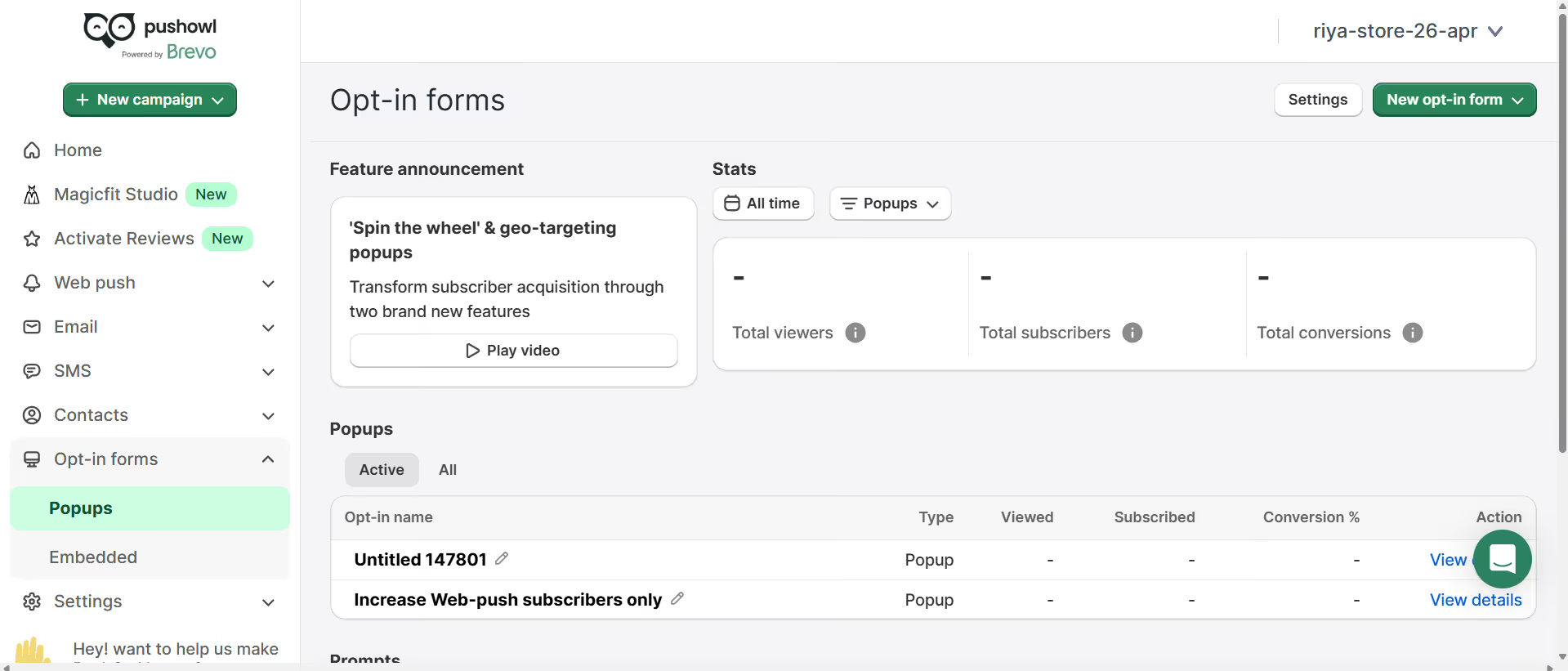
PushOwl Tip: PushOwl allows you to A/B test your opt-in pop-up copy, its timing, and design so you know exactly what works with your audience. With opt-in rates of up to 15% of site visitors for stores using PushOwl, the numbers speak for themselves when compared with a typical email opt-in rate of 1–3%.
11. Lightbox Popups
Lightbox popups mainly darken the background, making the pop-up central. The area around the page turns into a blurred or dark background, and the pop-up comes forward to take all attention.
Why They Work
The contrast effect is powerful. Through this, the visitor’s eyes naturally go to the message because the whole pop-up is dark. There’s nowhere else to look. When you have a message that needs your visitors’ attention, this is why lightbox popups are so effective.
When to Use Them
Leverage them for urgent messages, low-stock items, event registrations, big sale alerts, or age-verification gates. They must never be used for casual communication because their weight needs to match the importance of the message.
What Works Inside Them
Visual hierarchy that takes the user first to the benefit, then form, then call to action. Value, not brand, comes first in headlines. Every time the headline “Get 20% Off Your First Order” wins against “Brand Name Newsletter”.
12. Survey and Feedback Popups
Some survey pop-ups pose a question to visitors, and some have a quick multi-step flow (1 step or 2 steps). They also collect qualitative data on what visitors want, why they did not make the purchase, and what is missing in their experience.
Why They Work
Store owners are guessing why visitors leave and do not convert. Survey pop-ups literally give you answers. Something like “What stopped you from buying today?” can reveal friction points that go unnoticed by analytics alone.
When to Use Them
Feedback is a natural fit in post-exit, post-purchase, and after support interactions. It is challenging to survey just-browsing visitors because their intent is too vague; however, visitors who have made a purchase or a no-buy decision surely have something concrete to report.
What Works Inside Them
One question, max. The only way multi-step surveys lead to better answers is if the first question is so easy to answer that asking the second one feels normal. “How was your experience today?” A one-tap rating followed by a single follow-up gets much better completion rates than a five-question form.
13. Recommendation Popups
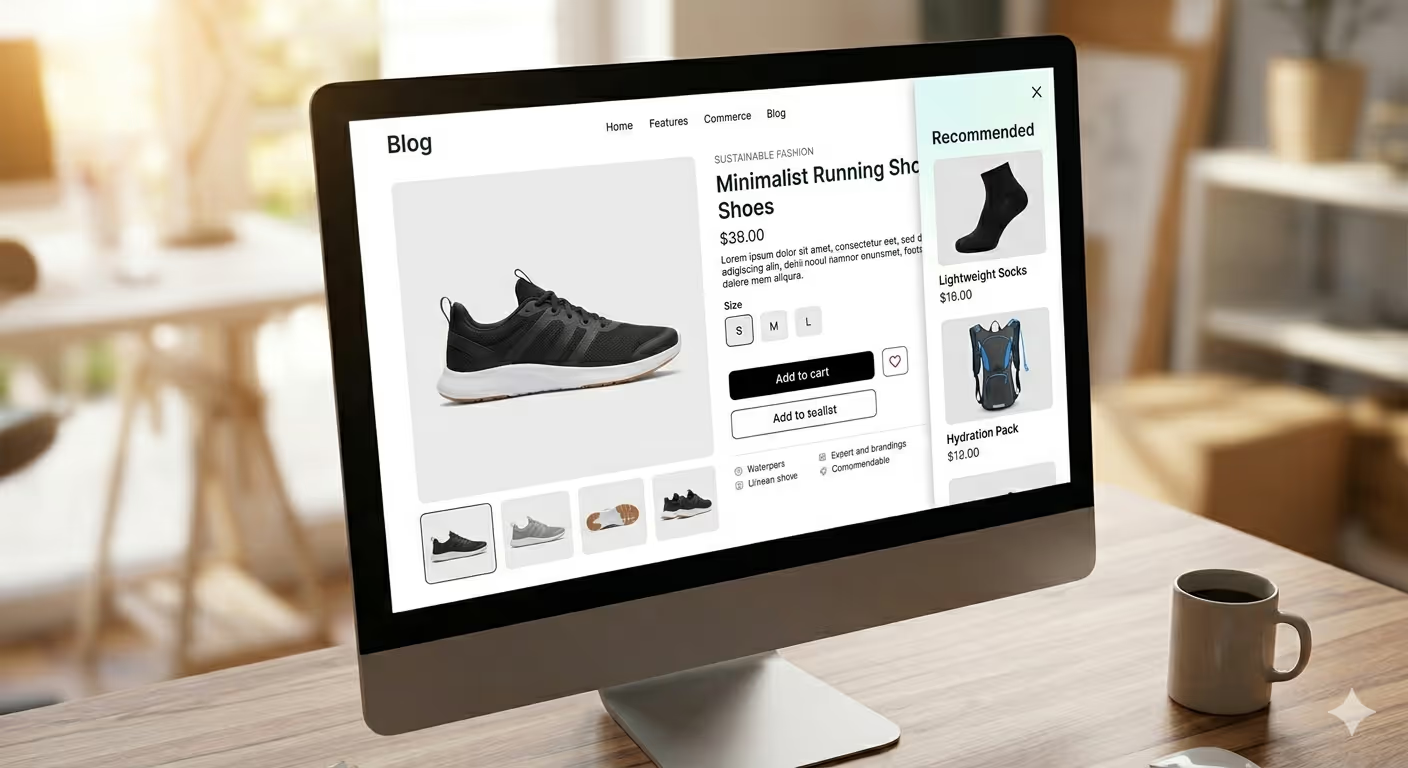
Recommendation popups show product recommendations according to what a visitor has browsed, what is in their cart, or what is trending in their category.
Why They Work
Personalization drives conversion. Personalization can provide 5–8x ROI on marketing spend and lift sales by 10% or more. A visitor looking for running shoes who sees a pop-up suggesting complementary socks or a hydration pack is seeing relevant cross-sell, not random noise.
When to Use Them
Post add-to-cart is the natural moment. The visitor has already signalled intent, now you display what else makes sense. They’re also great for the thank-you page that comes after a sale, in a post-purchase upsell funnel.
What Works Inside Them
Recommendations with social proof are more effective. The phrase “Customers who bought [product] also liked these” is more compelling than a bare grid of products since it offers the visitor social proof for the recommendation.
14. Cookie Consent Popups
Cookie consent popups tell visitors that your site uses cookies and get consent from them where it is legally mandatory. They are not optional in markets subject to GDPR, CCPA, and similar regulations.
Why They Work
They are compliance, not conversion, but when done properly, they build trust as well. A cookie consent pop-up that clearly lets people know what data you are collecting and why, in simple terms, demonstrates transparency and professional ethics.
When to Use Them
Visitors in regulated jurisdictions should see them on their first visit. This is usually done through a specialised consent management platform for most Shopify stores, but the design and copy still have an effect.
What Works Inside Them
Simple language and a yes or no button. People who sense that you are making a fool of them by using dark patterns are conditioned to write off your brand quickly. Consent should be treated as a moment to build your relationship.
15. Sticky Bar / Notification Bar Popup
Sticky bars, also known as hello bars or announcement bars, sit at the top or bottom of your screen and scroll along with your visitor. These are popups with overlay content, but far less intrusive than modal popups.
Why They Work
They’re persistent without being pushy. A visitor can freely browse and ignore the sticky bar, but it is always there if they decide to take action on it. They are best suited for sitewide offers where you want every visitor to see a promotion.
When to Use Them
Sticky bars are best for sales events, free shipping thresholds, new product launches, and countdown offers, when the message applies to the entire store.
What Works Inside Them
Clear CTA and short, punchy copy. It can be “Free shipping over $50, shop now” or “Black Friday sale ends in [countdown]” since they say everything a visitor needs to know.
16. Age Verification Popups
Age verification popups act as access gates that brands build on the site or product for selling age-restricted items such as alcohol, tobacco, firearms accessories, cannabis products, and more.
Why They Work
Most jurisdictions require them in accordance with applicable product categories. More than compliance, they show that the brand is taking responsibility seriously, which earns trust among eligible users.
When to Use Them
Every time, for every visitor, with no exceptions for returning users, unless you implement a valid cookie-based system recording verified age.
What Works Inside Them
A simple date of birth entry or a yes or no confirmation with messaging that explains why the gate exists. The visual design should be premium, consistent with the brand, and not look like an afterthought.
17. Social Proof Popups (FOMO Notifications)
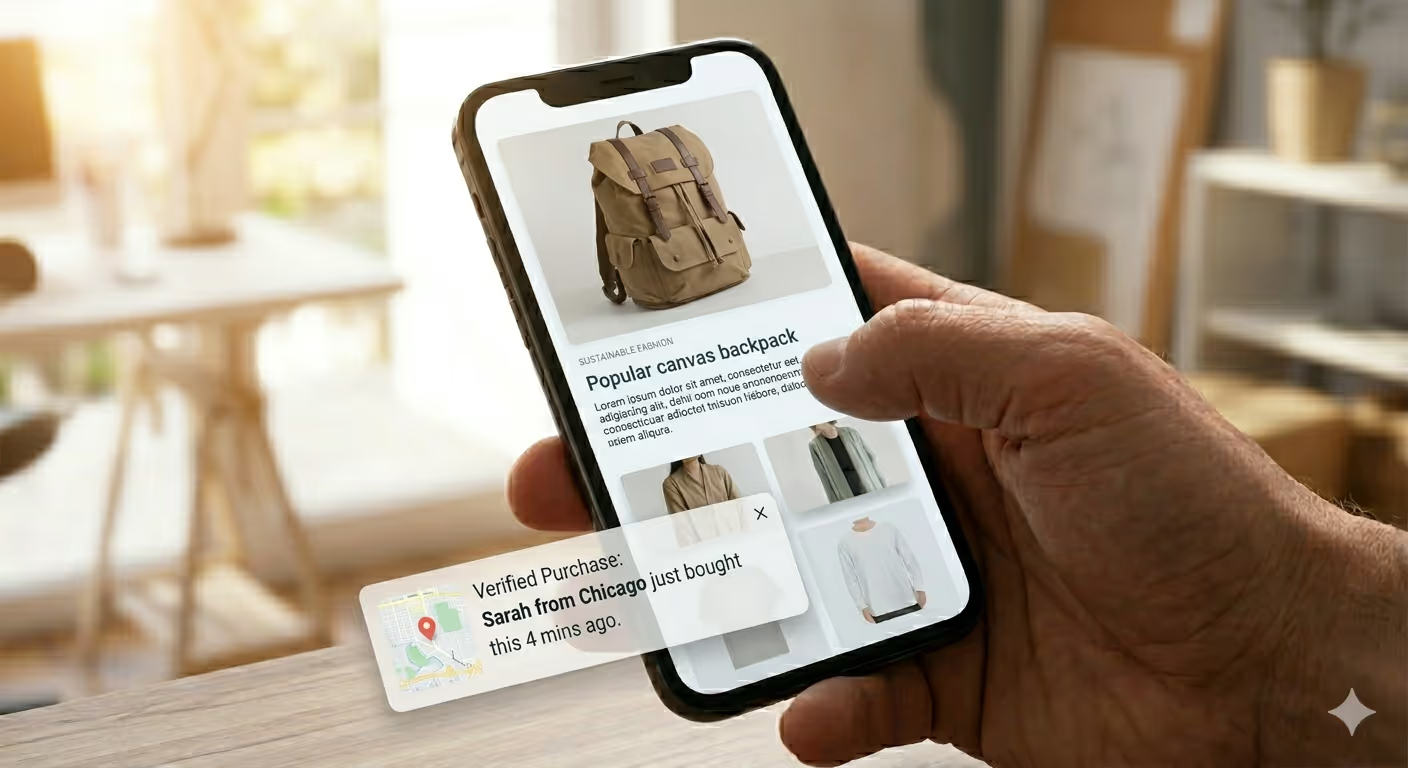
These popups, also known as social proof notifications, FOMO alerts, or activity nudges, showcase live data on recent purchases, the current number of viewers, low stock levels, and snippets of reviews. They inject activity into the store and turn products into something desirable.
Why They Work
Social proof is one of the most powerful psychological triggers in marketing. “This product is being viewed right now by 28 people,” or “This has just been bought by Sarah from Chicago,” makes a visitor feel like they’re part of something. It taps into the common group instinct that influences a large percentage of buying decisions.
When to Use Them
Traffic spikes to product pages and collection pages during high-traffic windows, sales events, new launches, or influencer-driven spikes. They work in slower times too, as a reminder that others are still buying, normalising the purchase decision.
What Works Inside Them
Real data only. Fake or bot-generated notifications are immediately detected and erode trust. Use actual purchase data, valid stock counts, and real review pulls.
18. Restock and Back-in-Stock Popups
If a product sells out, restock popups appear on the relevant sold-out page and request that visitors leave their email or phone number to be notified when the item is back in stock.
Why They Work
A product being sold out does not mean you lose a customer. Visitors on the sold-out page often have strong purchase intent. If you capture their contact details, an out-of-stock page becomes a future revenue opportunity.
When to Use Them
The restock pop-up should go live anytime a product sells out. This is especially useful for limited edition, seasonal products, or high-demand restocks where subscriber interest indicates how much to reorder.
What Works Inside Them
Specificity and immediacy. An email field with a simple CTA like “Be the first to know when X is back in stock” works better than generic messaging. Send a back-in-stock push notification as soon as inventory is live.
19. Post-Purchase Popups
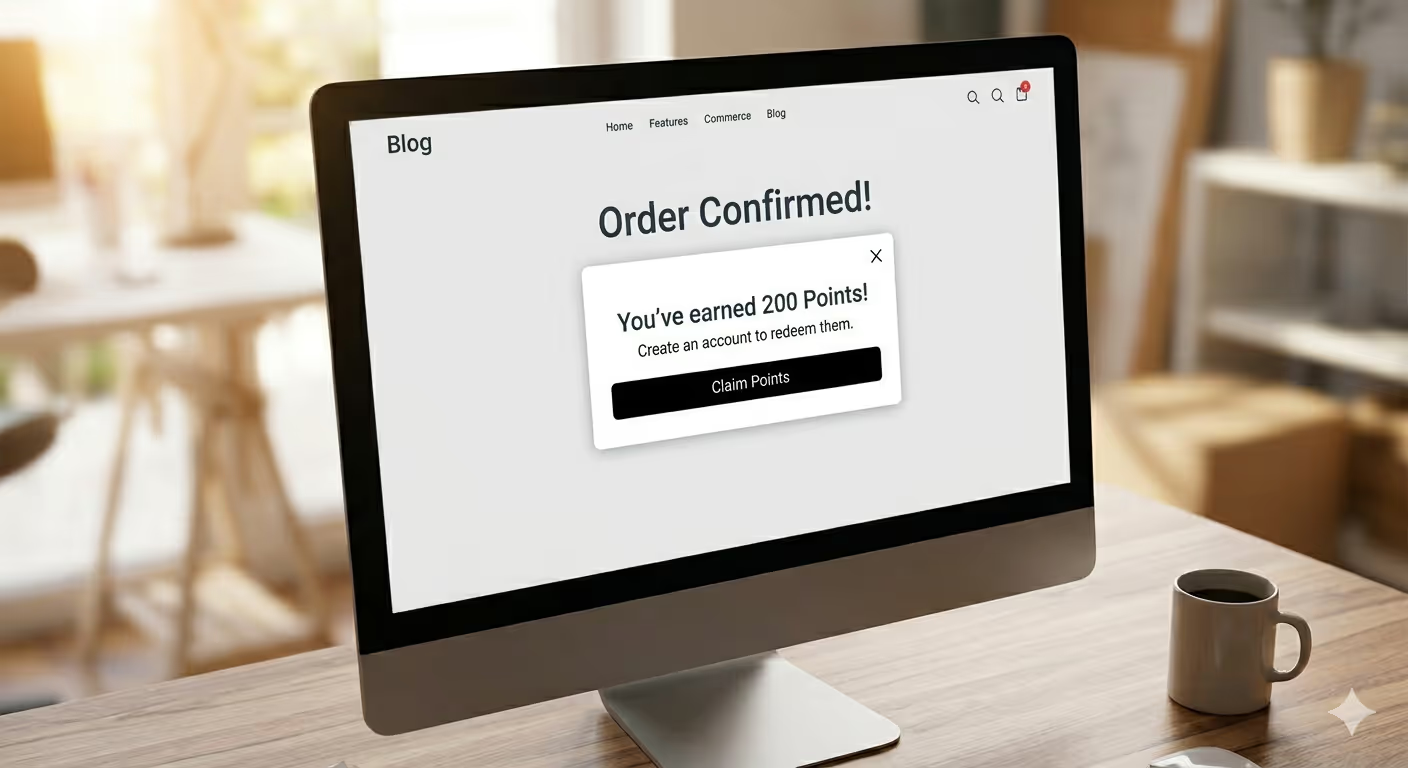
Post-purchase popups appear on the order confirmation page or within minutes following a completed purchase. They are built to prolong the relationship when customer satisfaction is at its highest.
Why They Work
The post-purchase moment is one of the highest engagement touchpoints in the customer journey. Customers are at peak satisfaction. This is when acceptance rates for loyalty programs, referrals, or subscriptions are the highest.
When to Use Them
Immediately after order confirmation. This window is short, as customers move on quickly after seeing their confirmation. Avoid wasting it with generic messaging. Customize it to the purchase they just made.
What Works Inside Them
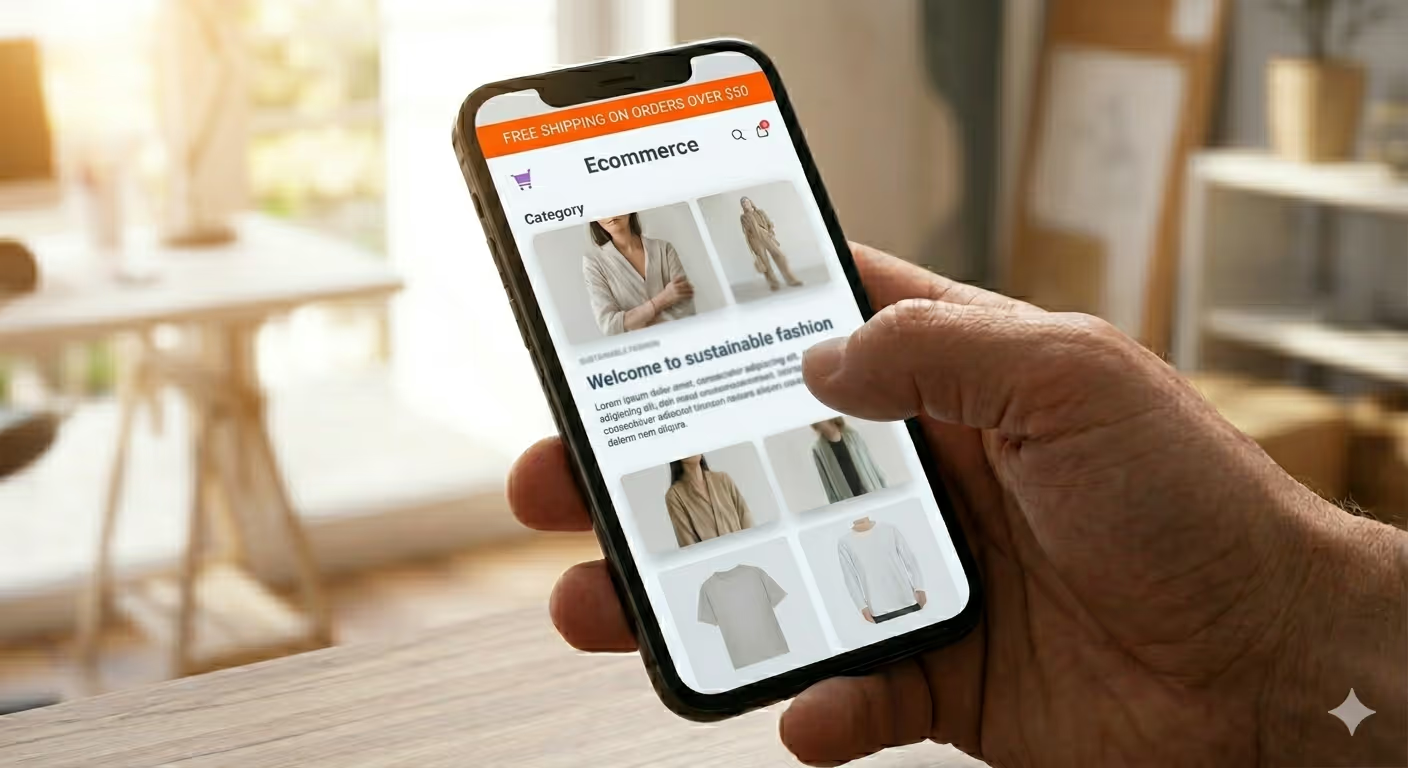
Next-step invitations with clear upside. “You’ve been awarded 200 points, register to keep them,” or “Refer a friend and you both get $10 off your next order.” Connect the pop-up directly to their purchase. It feels like an extension of the transaction, not a separate marketing ask.
6 Popup Best Practices Relevant to Every Type
These principles apply across the board, regardless of which pop-up type you use.
- Not just triggered by time, but triggered with context. A pop-up that fires because a visitor is engaging, scrolling, hovering over exit, or adding to cart converts better than one that simply fires on a timer. Behavior-based triggers show relevance.
- Keep the copy short. The whole value proposition should come in a headline. If the headline creates questions, then the body should help answer them rather than restate them. The CTA should be action-oriented. Three elements, not ten.
- Design to match the store. When a pop-up feels like it comes from a different website, different font, different color palette, and even different visual weight, it breaks the experience. The effort required by the visitor to process the disconnect is a friction.
- Make it easy to close. A visible, accessible X button builds trust on your landing page. Knowing visitors can close the pop-up lowers their anxiety until the interaction unfolds.
- Do not fire the same way on desktop and mobile. Mobile visitors have less screen space and a different browsing behavior. Use low-friction formats like slide-ins or sticky bars on mobile for less intrusive moments.
- Test your display rules rigorously. First-order discount popups only for new customers. For logged-in subscribers, email capture forms should not appear. One of the biggest conversion killers in a pop-up strategy is poor display rules.
Choosing a Popup That Works On Your Store
Understanding the types is one thing. Another is selecting the correct combination for your individual store. Here’s a practical framework.
Adjust the type of pop-up match according to the visitor’s intent. For a first-time visitor coming in from a Facebook ad, the discovery mode popup with a first-order discount. A first-time visitor in decision mode who added to cart but has not checked out, an exit-intent pop-up with a reminder about the cart and a sweetener is spot on.
Layer, don’t stack. You may use different types of pop-ups, but they should activate at different points in the visitor journey and must not overlap. Never show two popups at the same time or one after another. That’s not a conversion strategy, that’s a blocked way.
Test everything. The benchmarks detailed in this guide are averages across the industry. Performance will depend on your audience, your offer, your product category, and finally, the price point. Avoid drawing too many conclusions without A/B testing copy, timing, design, and offer type.
Treat the post-opt-in far more seriously than the opt-in itself. Email or push subscriber is step one. Next steps, the welcome flow, first outreach, segmentation, basically dictate if that subscriber will ever become a buyer.
Final Thoughts
Popups aren’t going anywhere. However, the stores that use them effectively are very different from those that frustrate visitors, not because of the technology, but because of how they use it.
There are 19 tried-and-tested formats, each with a role to play across your visitor journey. Prevent abandonment with exit-intent popups. Start relationships with welcome pop-ups. Use push opt-in pop-ups for direct communication. Convert at the peak of trust with post-purchase popups to increase lifetime value.
Build them with intent, iterate continuously, and always return to one question: What does this visitor need right now?
That is the mindset that turns pop-ups from frustration into a true growth engine.
Looking to add push notification opt-ins to your Shopify store in just a few minutes? The opt-in pop-up builder of PushOwl allows you to create, schedule, and A/B test push subscription pop-ups without any coding required. Get started for free on the Shopify App Store.