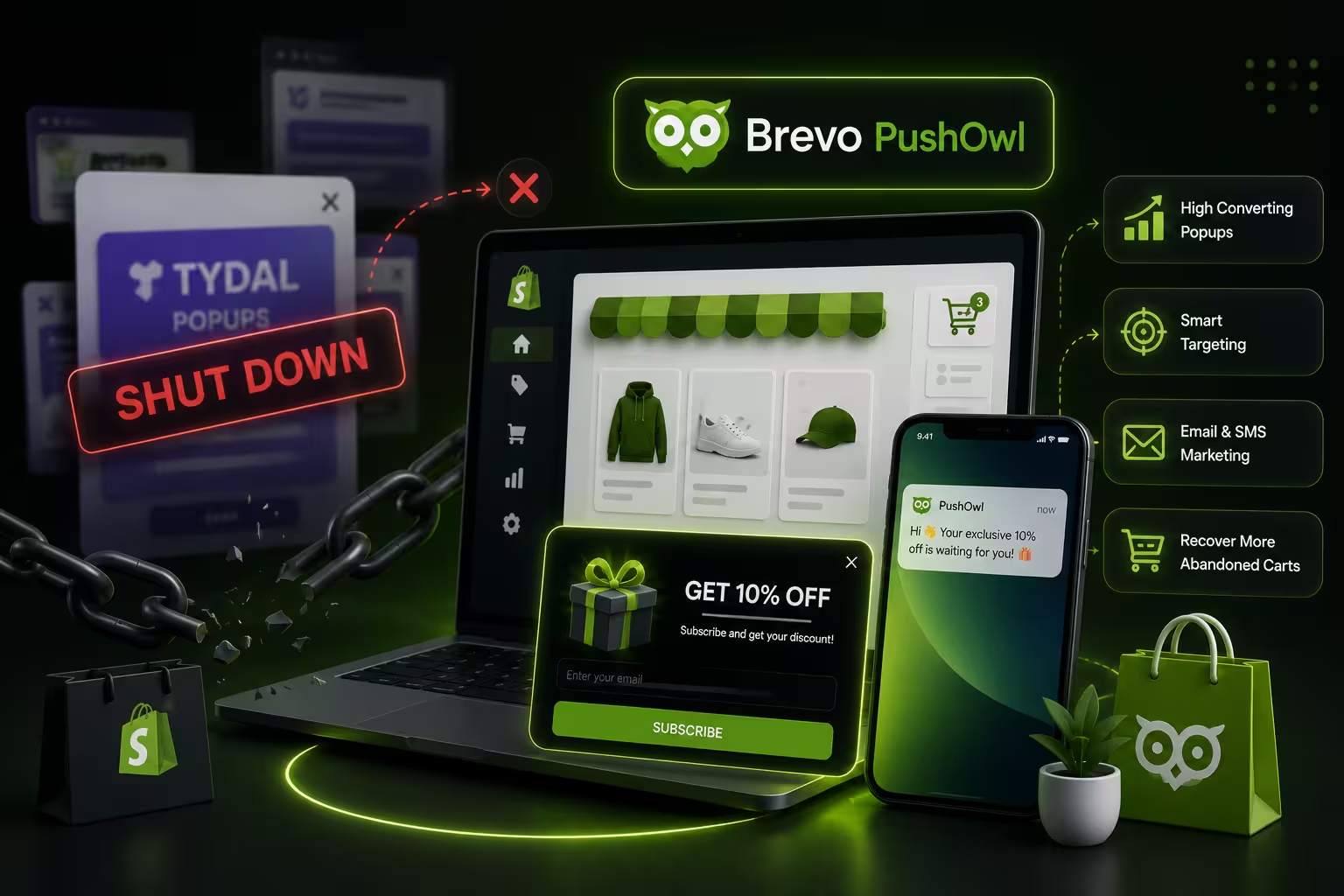
If you're reading this, you probably just noticed that TYDAL Popups is gone from the Shopify App Store. No warning, no migration window — just a message that the app is no longer available.
It happened quietly. TYDAL Popups, which launched in 2022 under the name Rivo Popups and grew to over 15,000 Shopify installs, was removed from the App Store in 2025. Merchants who relied on it for email capture, discount popups, and sticky coupon bars are now searching for a replacement.
Here's the thing: this is actually a good time to upgrade.
TYDAL was a solid tool for what it did — basic email list building with a simple style editor. But it was always one piece of a larger puzzle. It couldn't send a follow-up email after someone subscribed. It couldn't capture SMS numbers. It didn't connect popup opt-ins to automated flows. You were always going to need another app on top of it.
PushOwl does all of it in one place. This guide covers what you lose when TYDAL disappears, what PushOwl's popup builder actually offers, and how to switch without losing momentum.
What Was TYDAL Popups (and Why Did It Get Removed)?
TYDAL Popups, formerly Rivo Popups, was a free Shopify app built around a single job: getting visitors to subscribe through a customizable popup form. You could control the timing, the discount offer, the design, and add a sticky coupon bar to remind visitors to use their code.
For stores just starting out, it was popular for obvious reasons — it was free, simple, and worked.
But by 2025, the app's install count had dropped 37.7% year over year. The Shopify App Store listing now reads: "This app is not currently available on the Shopify App Store."
What TYDAL could do:
- Basic email capture popup with a discount offer
- Style editor for branding the popup
- Popup display rules (timing, page targeting)
- Sticky coupon bar
- Custom CSS support
What it couldn't do:
- Capture SMS subscribers
- Capture push notification subscribers
- Trigger an automated welcome email after someone signs up
- Run a gamified spin-the-wheel popup
- Send subscribers into a segmented marketing flow
- Show device-specific or geo-targeted offers
That gap matters for any store that wants its popup to generate revenue — not just collect addresses.
It's worth noting this isn't the first time a Shopify app in this category has shut down without notice. When Yotpo discontinued its email and SMS marketing tools, merchants faced the same scramble. The lesson from both situations is the same: single-purpose tools are fragile, and depending on them means rebuilding your stack when they disappear.
TYDAL Popups vs PushOwl: Side-by-Side Comparison
Quick verdict: PushOwl replaces TYDAL and eliminates the other tools you were using alongside it.
What PushOwl's Popup Builder Actually Does
PushOwl's popup suite works differently from what you're used to with TYDAL. Rather than capturing one type of contact and hoping a separate email tool picks up from there, PushOwl connects the popup to everything that happens next.
Multi-Channel Capture in One Flow
When someone sees a PushOwl popup, you can ask for their email address, their phone number for SMS, and their push notification opt-in — in sequence or together. That's three channels captured from a single popup interaction, feeding into automations that run on their own.
A subscriber on your email list, SMS list, and push list is worth significantly more than one who only gave you their email. You have more touchpoints, more ways to reach them when they're near a buying decision, and more data to personalize their experience over time. PushOwl's ecommerce marketing strategy guide goes deeper on how to layer these channels effectively once your subscribers are captured.
Gamified Popups (Spin-the-Wheel)
TYDAL offered a flat discount popup. PushOwl lets you run spin-the-wheel contests, instant prize reveals, and countdown-based offers. Gamification consistently outperforms static discount popups on conversion rate. When visitors feel like they won a discount rather than just received one, they're more likely to actually use it.
If you want to understand which popup format works best for which situation, PushOwl's guide to types of popups on Shopify breaks down the conversion data behind each one — including when spin-to-win is the right call versus a simple discount offer.
AI Popup Builder
This one changes how fast you can go from idea to live. You type what you want — something like "a welcome popup for first-time visitors with a 15% off code in our brand colors" — and the builder generates a design with matching fonts, colors, and copy. For merchants who aren't designers, skipping the blank canvas is a genuine time-saver.
Smart Targeting Rules
PushOwl's targeting goes well beyond "show after 5 seconds." You can configure:
- Exit intent detection — the popup fires when a visitor's cursor moves toward closing the browser tab
- Scroll depth triggers — show the popup only to visitors who've read at least 50% of a page, signaling genuine interest
- Geo-targeting — surface a location-specific offer to visitors from a particular city or country
- URL inclusion/exclusion — show a popup only on product pages for a specific collection, or suppress it on the cart page
- Device targeting — serve different popup copy or designs to mobile vs desktop visitors
These rules mean your popup reaches the right visitor at the right moment rather than interrupting everyone the second they land.
Automations That Start Where the Popup Ends
This is the core difference between a popup tool and a marketing platform.
When someone subscribes through PushOwl, they can immediately enter a welcome email sequence, receive an SMS with their discount code, get a push notification reminder if they don't use the code within 24 hours, and get flagged for abandoned cart recovery if they add to cart but don't buy.
None of that requires a second app. None of it requires manually handling each new subscriber. You set the flows once.
The Real Cost of Running Your Popup Tool Separately
When TYDAL was active, most stores using it also ran a separate email marketing app — Klaviyo, Omnisend, or similar. That's two subscriptions, two apps competing for page load resources, and two places to update branding or compliance settings when anything changes.
PushOwl consolidates that. One app for email marketing, popups, SMS, and push notifications means one place to manage subscriber data, one analytics dashboard to track revenue attribution, and no syncing delays between your popup tool and your email sender.
For stores on tighter budgets, the consolidation can make PushOwl cheaper than running TYDAL alongside a paid email tool. PushOwl's comparison of the best email marketing apps for Shopify shows how the pricing stacks up across platforms once you factor in what each free plan actually covers.
How to Migrate from TYDAL to PushOwl
If your TYDAL popups are no longer showing, here's how to get back up in under 30 minutes.
Step 1: Export your existing subscriber list Subscribers collected through TYDAL were automatically added to your Shopify customer list. Export them from Shopify Admin › Customers, filtering for contacts with email marketing opted in.
Step 2: Install PushOwl from the Shopify App Store The app installs in one click. The onboarding flow connects your store data, including products, collections, and existing customer segments.
Step 3: Import your existing subscribers Upload your CSV into PushOwl. Subscribers are automatically tagged and available for segmentation without manual cleanup.
Step 4: Create your first popup Use the AI builder or pick a template from the library. The most common starting point for migrating merchants is a welcome discount popup with a 10–15% offer — which matches what most TYDAL users had running. Set exit intent and a time delay of around 8 seconds.
Step 5: Connect your welcome flow Once your popup is live, turn on the welcome email automation. This sends a branded email with the subscriber's discount code immediately after they sign up. For most stores, this single flow captures revenue that was previously slipping through because TYDAL had no follow-up capability. PushOwl's complete guide to free email marketing for Shopify walks through the exact automation sequence to activate first.
Step 6 (optional): Add SMS and push opt-ins Once your email popup is live and running, layer in SMS and push capture in the same popup flow. This is where PushOwl pulls significantly further ahead of any single-channel replacement for TYDAL.
What Popup Conversion Rates Actually Look Like
PushOwl's data shows the average email popup converts around 11 out of every 100 visitors, with top-performing gamified popups reaching up to 42.5%. The gap between those numbers almost always comes down to three things: offer relevance, timing, and what happens immediately after someone subscribes.
With TYDAL, you could control the first two. With PushOwl, you control all three — and you can measure the downstream revenue from each popup in the same dashboard where you track opt-in rate.
For benchmarks and context on what to expect from email marketing overall, PushOwl's 2026 Shopify email marketing statistics covers open rates, click rates, and revenue-per-email numbers across ecommerce categories.
Brands like WOW Skin Science and ROAD iD have used PushOwl's popup and automation combination to run campaigns with measurable revenue attribution — not just subscriber counts.
The Bottom Line
TYDAL Popups built a decent user base because it solved a real problem simply. But its removal from the Shopify App Store is a reminder that single-purpose tools are fragile — and that popup capture without an attached marketing engine only gets you halfway.
If you were using TYDAL, you need a replacement. PushOwl does what TYDAL did and connects it to everything that comes after — the welcome email, the SMS reminder, the abandoned cart recovery, the repeat purchase flow.
That's not a lateral move. It's an upgrade.
Switch to PushOwl — Free