.png)

A conversion-focused playbook for Shopify merchants ready to put SMS to work. Inside: five proven sequences, step-by-step setup walkthroughs, copy templates you can use today, and real revenue benchmarks.
Why SMS Still Outperforms Almost Every Channel
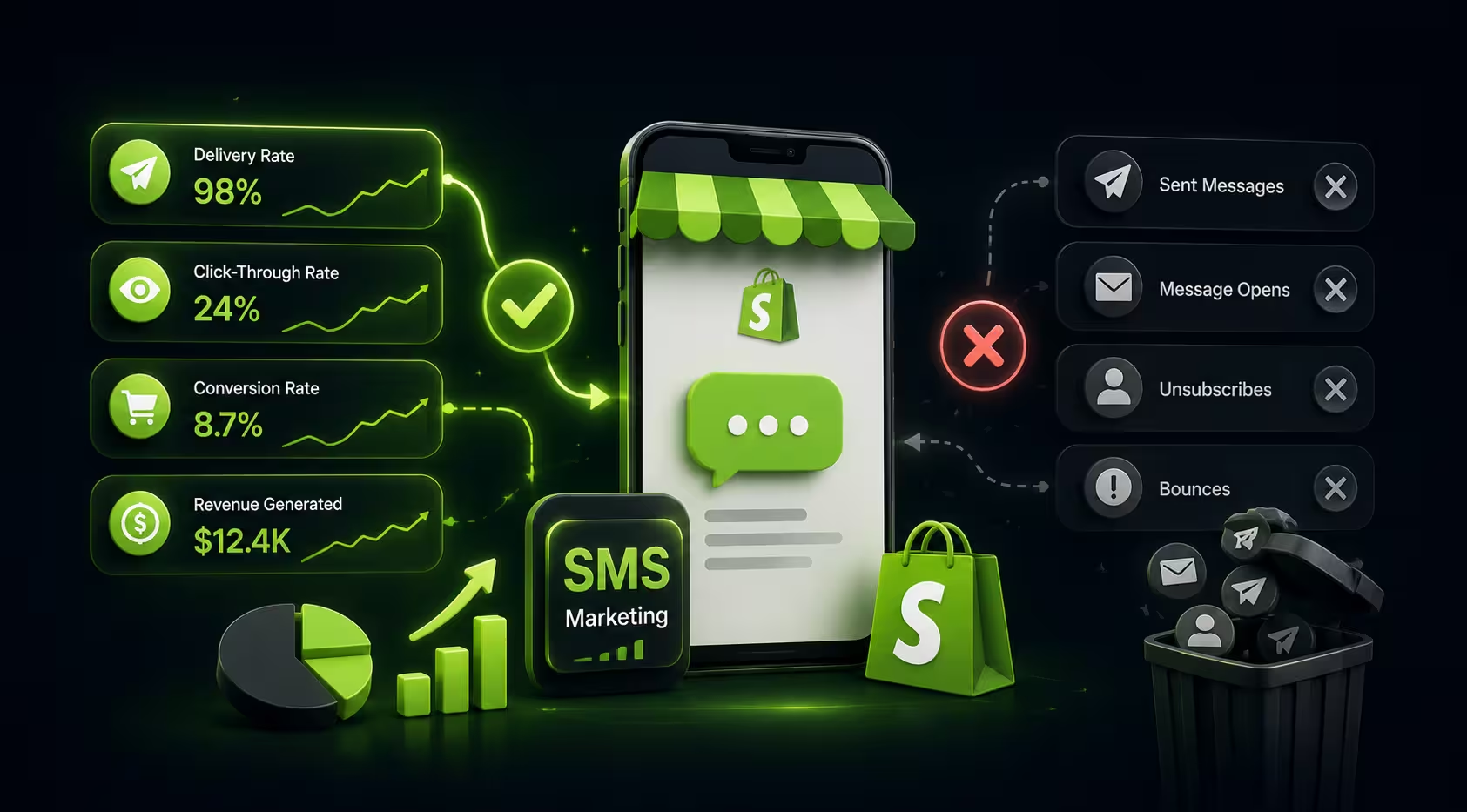
Email open rates hover around 20 to 35 percent on a good day. Web push is instant but silent by default. Paid social is expensive and getting noisier. SMS, by contrast, carries a 98 percent open rate and a median click-through that beats email by three to four times. For Shopify merchants, that is not a channel you keep on the back burner.
The problem is not the channel itself. The problem is that most stores either send one-off broadcast blasts or leave SMS automations unconfigured entirely. This playbook fixes that. It covers the five SMS automation sequences that reliably move revenue for Shopify stores, with exact setup steps inside PushOwl, message templates you can copy directly, and the benchmarks you should be tracking. If you are new to the underlying channel mechanics, the SMS API guide for Shopify is a useful primer before diving in.
Step Zero: Compliance Before You Send a Single Message
SMS is a permission-based channel. Sending to subscribers who have not explicitly opted in is not just a bad practice, it is a legal liability under TCPA and GDPR. Before building out any of the sequences below, make sure your opt-in flows are properly configured. PushOwl handles TCPA-compliant opt-in capture natively, but you still need to understand what constitutes valid SMS consent for Shopify brands. The dedicated guide on SMS consent for Shopify covers keyword opt-ins, double opt-in mechanics, and how to stay compliant as your list scales. Similarly, if you are running email alongside SMS, the single vs double opt-in comparison for Shopify is worth reading to make sure your capture flows align across channels.
With compliance squared away, here are the five sequences to build first.
Sequence 1: Abandoned Cart SMS Recovery
Why It Works
Cart abandonment sits at roughly 70 percent across ecommerce. That means seven out of ten shoppers who add something to their cart leave without buying. A well-timed SMS nudge recovers a meaningful slice of that revenue because, unlike email, it lands in a space people actively check.
The Setup in PushOwl
In PushOwl, navigate to Automations and select the Abandoned Cart trigger. Set the delay to 30 minutes after cart abandonment. This window catches customers who are still warm but got distracted. You can layer a second SMS at the four-hour mark and a third at 24 hours if the cart remains unpurchased. For the multi-message approach, pair the SMS sequence with a push notification abandoned cart template running in parallel so you are covering both channels without overlapping fatigue. The best practices for abandoned cart reminders post goes deeper on timing and message cadence.
Message Template
Benchmark
Expected recovery rate: 5 to 15% of abandoned carts. Revenue lift vs. no follow-up: 8 to 20x ROI on SMS send cost.
For stores already running email recovery alongside SMS, the abandoned cart email examples post is a solid resource for building the email leg of the sequence. You can also explore the top Shopify apps to reduce cart abandonment for tooling decisions that complement your SMS flow.
Sequence 2: Browse Abandonment SMS
Why It Works
Browse abandonment targets a higher-funnel signal than cart abandonment, but it is still strong buying intent. A shopper who views a product page two or more times is showing genuine interest. Reaching them via SMS while that interest is fresh can push them toward a decision they were already leaning toward.
The Setup in PushOwl
In PushOwl, create a Browse Abandonment automation using the product page visit trigger. Set a minimum session depth (for example, two or more page views of the same product) to avoid pinging casual browsers. A single SMS at the one-hour mark performs well for this sequence. Pair it with the browse abandonment web push notification running slightly earlier (15 minutes) so the channels reinforce each other without being redundant. The browse abandonment strategies and copy ideas guide has copy frameworks that translate well to SMS.
Message Template
Benchmark
Expected click-through rate: 12 to 22%. Conversion on clicks: 3 to 8%. Best performer for stores with a strong hero product or tight SKU range.
Sequence 3: VIP Winback SMS
Why It Works
Reactivating a lapsed customer costs far less than acquiring a new one. A customer who bought three or more times and has gone quiet for 90 to 120 days is not lost. They are just waiting for the right prompt. SMS, with its immediacy, often works where email has failed.
The Setup in PushOwl
Build a winback segment in PushOwl using purchase history: customers with three or more orders whose last purchase date exceeds 90 days. Apply a VIP tag if your store uses tiering. The SMS should feel personal, not promotional. Reference their history and make the offer feel exclusive. For the segmentation logic, the customer segmentation guide for Shopify covers RFM-based segment builds that map directly to PushOwl's audience filters. The winback campaign examples post has additional message angle ideas worth adapting.
Message Template
Benchmark
Reactivation rate for VIP lapsed: 8 to 18%. AOV on reactivated customers typically runs 20 to 30% higher than average due to the discount anchoring a higher-ticket purchase.
Sequence 4: Post-Purchase SMS Flow
Why It Works
Most stores treat post-purchase as an afterthought. In reality, the 30 days after a first order are the highest-leverage window for increasing customer lifetime value. A structured post-purchase SMS flow builds habit, drives repeat purchases, and sets up your cross-sell and review funnels.
The Setup in PushOwl
Trigger this sequence on order confirmation. The flow has three legs. The first SMS (sent immediately) is a pure confirmation and brand warmth message, no selling. The second (sent on delivery plus one day) asks for a review or UGC and links to the product page. The third (sent at day 14 post-delivery) cross-sells a complementary product based on what was purchased. For stores thinking about long-term retention architecture, lifecycle segmentation for Shopify is the strategic layer that makes this flow more precise over time. You can also layer in email for the review request leg using email marketing automation for ecommerce stores to keep SMS slots for higher-intent touchpoints.
Message Template
Benchmark
Review collection rate via SMS: 15 to 25% (vs. 5 to 8% via email). Cross-sell conversion on Day 14: 4 to 9%. Contribution to repeat purchase rate: measurable lift within 60 days.
Sequence 5: Flash Sale and Limited-Time Offer Alerts
Why It Works
Flash sales live and die by urgency. Email is too slow and too easy to ignore. Push is instant but easily dismissed. SMS lands in the notification layer most people cannot ignore, which makes it the ideal channel for time-sensitive offers where every hour of delay costs revenue.
The Setup in PushOwl
Unlike the other sequences, flash sale SMS is a broadcast, not a triggered automation. In PushOwl, create a campaign targeting your full SMS subscriber list, or narrow it to a high-intent segment (recent browsers, cart abandoners, or past buyers in a specific category). Send the first SMS at sale launch and a second reminder two hours before the sale closes. Coordinate with a simultaneous web push notification campaign for maximum reach. For BFCM-specific flash sale strategy, the Shopify BFCM playbook has channel coordination frameworks you can reuse for any major sale event.
Message Template
Benchmark
Revenue attributed to SMS during flash sale window: typically 15 to 25% of total sale revenue for stores with a list of 1,000+ subscribers. Click-through on urgency SMS: 18 to 30%.
How PushOwl Ties SMS, Email, and Push Into One Flow
Running any of these five sequences in isolation will produce results. Running them as part of a coordinated multi-channel flow consistently produces better ones. The logic is straightforward: different customers respond to different channels, and the sequence that converts one shopper on SMS may require an email backup for another. PushOwl's omnichannel approach treats SMS, web push, and email as complementary signals rather than competing sends. You can orchestrate all three from a single dashboard without managing separate platforms, which reduces the operational overhead that kills most multi-channel programs before they get traction. The Shopify omnichannel marketing strategy guide explains the channel logic in more detail, and the Shopify Flow and web push integration post shows how to trigger cross-channel sequences using native Shopify automation tools.
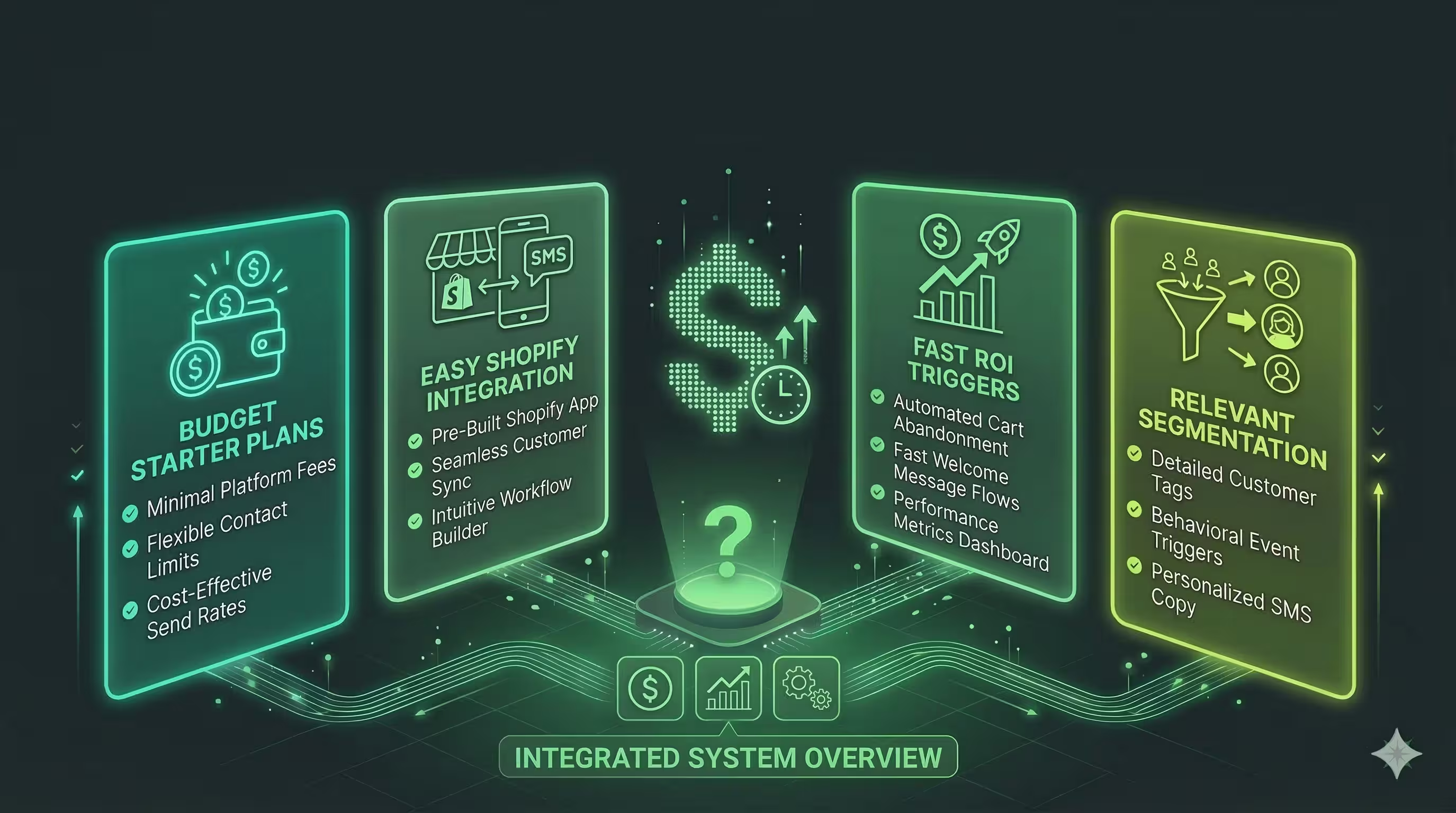
On pricing, PushOwl charges based on usage rather than list size. For stores scaling their SMS subscriber base, that distinction matters: you do not get penalized for growing. Most contact-based SMS platforms charge more as your list expands, which creates a disincentive to build the channel properly. PushOwl removes that ceiling.
For benchmarks and metrics to track across all your marketing channels, the ecommerce metrics for store health dashboard guide gives you a solid framework for measuring the impact of SMS alongside your other channels. And if you are exploring how SMS integrates technically with your broader email stack, the email-to-text and text-to-email integration guide is worth bookmarking.
Migrating From Another SMS Provider
If you are currently on Postscript, SMSBump, or another provider, PushOwl offers a free full-stack migration including list transfer, flow recreation, and a compliance audit to make sure your existing opt-ins are portable. For stores that previously used Yotpo's SMS product before it was discontinued, the Yotpo SMS discontinuation guide covers what happened and what your options look like now. The SMSBump and PushOwl comparison post is also useful if you are weighing the switch.
Start With One Sequence, Then Expand
If you are setting up SMS automation for the first time, do not try to build all five sequences in a single sprint. Start with the abandoned cart flow since it has the highest ROI relative to setup effort and produces results within the first week. Validate the messaging, check your attribution, and then add the browse abandonment and post-purchase sequences. VIP winback and flash sale campaigns work best once you have a list that has been running for at least 60 to 90 days and have a clearer picture of your high-value cohorts.
The compounding effect of getting these automations right is significant. Each sequence you activate increases the percentage of your revenue that runs on autopilot rather than requiring manual campaign effort. For a Shopify operator managing a growing catalog, that operational leverage is as valuable as the direct revenue lift itself.